
In this guide
- What one Away button at the door should actually do
- Presence simulation: making an empty house look lived-in
- Curtains over a long trip: heat, privacy and appearance
- Security while away: zones, alerts and trusted visitors
- Power cuts and internet outages while nobody is home
- Coming home: the Arrive sequence
- A pre-travel test checklist
- How Pert delivers it (designed, not DIY)
- FAQs
Travel is when a smart home earns its keep. Summer holidays, a month with children abroad, Sankranti or Dussehra at the family home — in every case the house is empty for long enough that how it behaves matters. This article is written for homeowners planning a new system or reviewing an existing one, and it sits within our broader coverage of home automation in Hyderabad. It assumes you already have, or are planning, automated lighting, motorised curtains and a basic security layer; if you are still at the scene-design stage, read how to design home automation scenes first, because Away mode is built from the same circuits.
What one Away button at the door should actually do
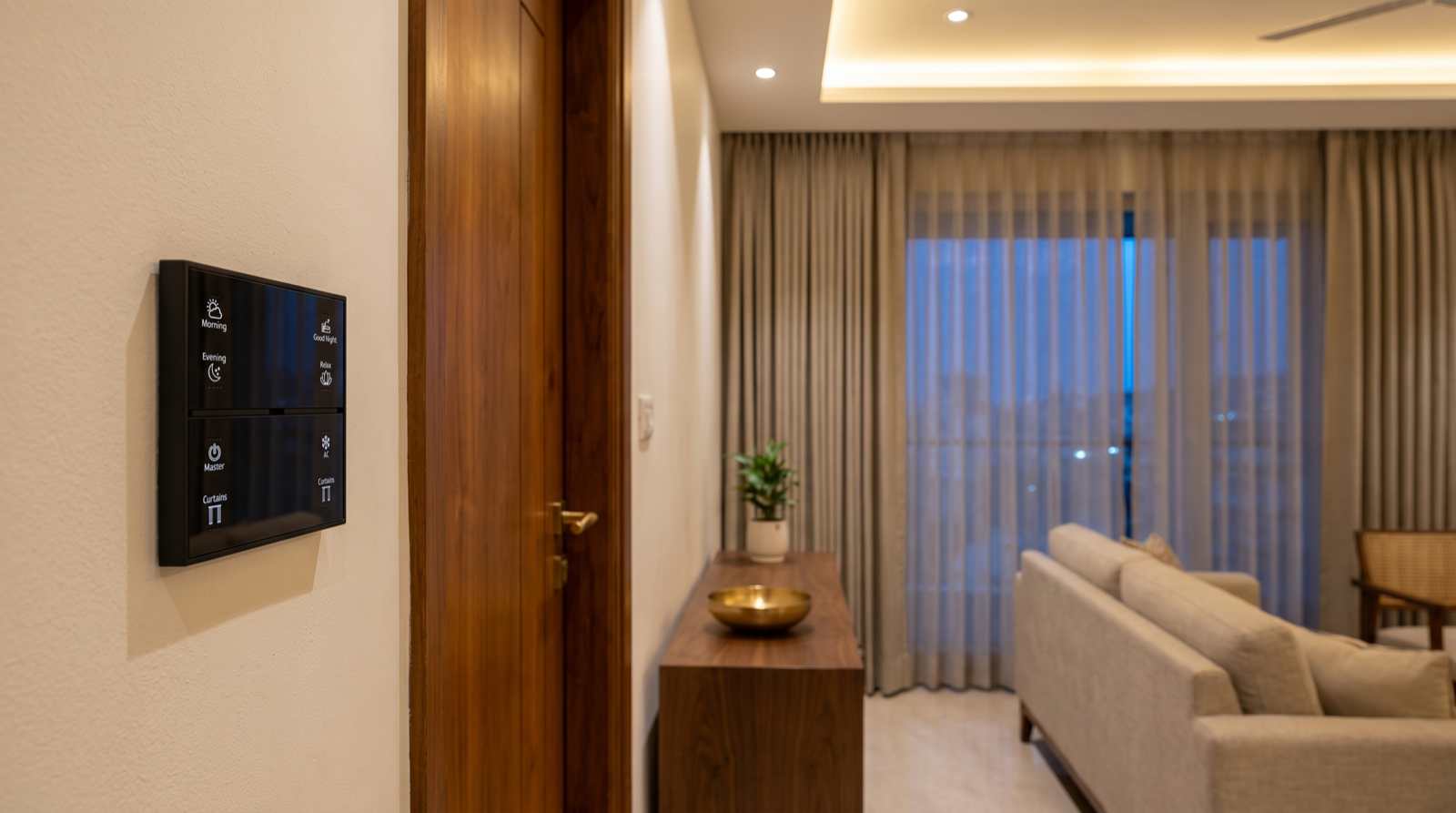
Away mode should be a single press on the entrance keypad, not a sequence of app screens you remember at the airport. That one press runs a departure sequence, and the sequence should be designed, written down and signed off like any other scene. On our projects it typically does the following, in this order:
- Checks before it commits. If a door contact or window contact reports open, the keypad blinks and the app names the opening. Arming a system over an open balcony door is the most common Away-mode failure we see.
- Starts an exit delay of 45–60 seconds. Long enough to pull the main door shut and lock it; short enough that nobody can slip in behind you. Apartments with a short foyer can use 30 seconds; villas where the door is reached through a garage usually need 60–90.
- Switches all interior lighting to off, with a 20–30 second fade on the foyer so you are not locking up in darkness.
- Hands the lighting over to the presence-simulation schedule (next section) rather than leaving it off indefinitely.
- Moves curtains to their Away positions — not simply "all closed".
- Arms the security layer at the end of the exit delay: door and window contacts, interior motion zones, and camera recording with notifications switched from "log only" to "alert".
- Keeps essential circuits alive. The refrigerator, router, controller and camera recorder should never be on a circuit any scene can switch off.
Two design decisions are worth making explicitly. First, whether the same button should double as a short-absence mode for a two-hour dinner out. We usually recommend a separate engraved "Out" button for that — lights off, security armed, no presence simulation, no curtain movement — and a long-press or app confirmation for a full Away, so a trip-length mode is never triggered by accident. Engraving has to be decided before the plates are made; how to plan keypad layouts and engraving covers how to fit these buttons into an entrance plate. Second, whether a phone geofence should be allowed to trigger Away on its own. In our experience it should not: geofencing is good as a reminder ("everyone has left — arm the house?") and poor as an automatic trigger in multi-generational homes where somebody is often still inside.
Presence simulation: making an empty house look lived-in
This is the part most systems get wrong, because the easy version — every light on a 7pm to 11pm timer — is worse than doing nothing. It lights rooms nobody uses, it switches off everything at the same second, and it repeats identically every night. Anyone who watches for two evenings can read it. Good presence simulation follows four rules.
1. Use only the rooms visible from outside
Stand on the road, in the society driveway, or look at your flat from the tower opposite, and note which windows are actually visible. That is the simulation set, and it is usually small: the living room, one bedroom, and in a villa the staircase or a first-floor landing. Two to four circuits is typical. The kitchen at 8pm and a bedroom lamp at 10:30pm are more convincing than a fully lit house.
2. Use realistic levels, not full brightness
An occupied living room at 9pm is rarely at 100%. Run the simulation on the same levels as your normal Evening scene — cove at around 40–60%, a floor lamp or wall wash, downlights low or off. Because smart dimmable lighting is already on channels, this costs nothing extra; it simply reuses the scene values you signed off at commissioning.
3. Randomise every time, every night
Each on and off event should shift by a random amount — we use a window of ±15 to 25 minutes — and the window should be recalculated nightly. A worked example for a 3BHK apartment:
- Living room Evening level: on at sunset + 20 min (±20), which in Hyderabad moves from roughly 6:00pm in winter to 7:10pm in midsummer, so always use an astronomical clock rather than a fixed time.
- Kitchen: on at 7:45pm (±20) for 35–50 minutes.
- Living room drops to a Relax level: 9:30pm (±25).
- Master bedroom bedside or wall light: on at 10:15pm (±20).
- Living room off: 10:45pm (±25), always after the bedroom has come on.
- Bedroom off: 11:20pm (±30), with one or two nights a week running past midnight.
4. Respect the order of a real evening
People move from room to room; they do not switch a house off in one instant. The living room should never go dark before a bedroom has lit, and the bedroom should be the last light out. On a villa, a staircase light for 2–3 minutes between the ground-floor off and the first-floor on is the single most convincing detail you can add. Some systems can instead record your real lighting use over the two weeks before a trip and replay it with a random offset; that works well when the recorded weeks were typical.
Outdoor lighting is a separate decision. Façade and gate lights should run on the same astro clock as usual, but switched to a normal occupied-home pattern rather than burning all night — a floodlit villa at 4am is another tell. Beam angles, IP ratings and timer logic for that layer are covered in how to plan balcony, façade and outdoor lighting.
Curtains over a long trip: heat, privacy and appearance
The instinct is to close every curtain before leaving. For a weekend that is fine. For three weeks it is a mistake on two counts: fully shut curtains through bright daylight are an obvious sign of an empty home, and the heaviest layer on a closed west-facing window traps heat against the glass for the entire trip.
A better Away pattern for motorised curtains uses the two layers separately:
- Sheers stay closed through the day on east- and west-facing glass. They cut glare and a meaningful share of the solar heat, and from the outside they read as an ordinary daytime setting.
- The main or blackout layer opens partly — around 30–50% — in the late morning on the street-facing windows, and closes at sunset + 10–20 minutes on the astro clock, just before the living-room light comes on. That lights-then-curtains, or curtains-then-lights, rhythm is exactly what an occupied home does.
- Bedrooms can simply stay in their night position with sheers drawn if they are not visible from outside.
- Ground-floor and garden-facing glass in villas should keep the heavier layer closed for privacy, since these are the windows someone can walk up to.
There is a mechanical benefit too. A motor and track that move once or twice a day for three weeks are in better condition on your return than ones that sat still in a dusty, humid month. If you are still choosing fabrics and stack widths, how to choose curtain fabrics for motorised curtains explains why sheer-plus-blackout double tracks make this kind of behaviour possible in the first place.
Security while away: zones, alerts and trusted visitors
An empty house is not always an empty house. A housekeeper comes in twice a week, a neighbour waters the plants, a building electrician needs the meter room, a pet sitter visits every evening. If your Away mode cannot accommodate that, you will end up either sharing your master code or disarming the whole house from a hotel room, and both defeat the purpose. Plan the security layer in zones:
- Perimeter zone — main door, balcony doors, ground-floor windows, utility door. Always armed in Away.
- Entrance and utility interior zone — the foyer, kitchen and utility motion sensors. This is the zone a trusted visitor's credential can disarm.
- Private interior zone — bedrooms, study, wardrobe, puja room. Stays armed even during a visitor's window.
Trusted access then works like this: the visitor gets their own PIN or card on the smart main door lock, valid only on chosen days and hours. Using it disarms the entrance and utility zone for a fixed window — 60 to 90 minutes is typical — sends you a notification with a door-camera clip, and re-arms automatically when the window ends or the door is locked again. You never share your own code, and every entry is logged by name.
Tune the alerts before you go. A notification for every movement on the gate camera will be muted by the second day, and a muted phone is the same as no system. Set camera alerts to person detection only, restrict them to drawn zones that exclude the road and a neighbour's gate, and route perimeter-contact alarms as high-priority. For small pets, use pet-tolerant motion sensors or leave the pet's area out of the interior zone rather than tolerating false alarms. Where cameras should sit and how much storage a three-week absence needs is covered in how to plan CCTV camera and sensor placement.
Finally, decide who gets called. For long trips, add a second contact in the city — a relative or the society security desk — to the alarm notification list, so a real event does not depend on you seeing a phone at 3am in a different time zone.
Power cuts and internet outages while nobody is home
A holiday is exactly when a four-hour power cut or a dead broadband line goes unnoticed. The Away design has to assume both will happen.
- Local logic. Schedules, astro clocks, presence simulation, sensor rules and the siren should all run on the controller inside the house. If any of those depend on a cloud service, an internet outage quietly turns your simulation off. Ask this question directly of any system; the wider answer is in do smart homes work during power cuts and internet outages.
- Power-on behaviour. Set every lighting channel to restore to "off" (or last state), never "on", after supply returns. Otherwise a 2am restoration switches on every light in the house for the rest of the night.
- UPS on the right things. A small UPS on the router, automation controller, camera recorder and security panel keeps the house watched and reachable through a typical outage. Keep lighting off the inverter during Away, so a long cut does not drain it on simulation.
- Backup connection. For homes left empty for weeks, a 4G failover router is inexpensive insurance for notifications and remote camera view.
- Surge protection. Monsoon storms do not wait for you to come home. The protection devices and earthing that keep controllers alive are covered in electrical safety and power protection for a smart home.
Coming home: the Arrive sequence
The return deserves a scene of its own, because the worst end to a holiday is walking into a dark house at 1am while a siren counts down. We design Arrive to be triggered by a valid door unlock rather than by the keypad, since the keypad is inside the door you have just opened:
- The owner's credential on the door disarms the whole system, with no entry-delay countdown.
- Presence simulation stops immediately.
- The foyer and the route to the living room come on — at a full Welcome level before sunset, and a softer Evening level after it, so the same unlock does the right thing at 4pm and at midnight.
- Curtains stay where they are after dark and open to their Day position if you arrive in daylight.
- Camera notifications return to "log only".
That conditional behaviour — one trigger, different results depending on the time — is set up at commissioning, and it is the detail homeowners mention most once they have used it. The foyer lighting it relies on is covered in how to plan entrance and foyer lighting.
A pre-travel test checklist
Do not let the first real run of Away mode be the night after you leave. Two or three days before a long trip, work through this list:
- Run Away while you are still at home for one evening and watch the simulation from outside, or from a window across the courtyard. Adjust any room that looks wrong.
- Open a balcony door and try to arm. The system should refuse and name the door.
- Walk out with the exit delay and confirm the arming notification arrives on every family phone that should get it.
- Test the housekeeper's credential: it should disarm only the entrance and utility zone, notify you, and re-arm on time.
- Switch off the router for ten minutes and confirm the lighting schedule and curtains still run.
- Trip the main breaker briefly and confirm lights restore to off, and the controller and cameras come back on their own.
- Check camera storage has enough days for the full trip, or that cloud backup is active.
- Confirm the second emergency contact has the app and knows what an alarm notification looks like.
Most of these can be done in under an hour. The ones that fail are almost always configuration, not hardware — which is why they are worth finding while you are still at home.
How Pert delivers it — a designed solution, not a DIY kit
Pert is a solutions company. We design and install; we do not ship a box of devices and an app for you to configure the week before a flight. For Away mode that means we survey which windows are visible from outside, draw the simulation set on your plan, split the security layer into zones that suit your household and staff, write the departure and Arrive sequences into the scene schedule, engrave the entrance keypad to match, set power-on and local-logic behaviour at commissioning, and walk you through a full test run before your first trip. When you come back and something did not feel right, we adjust it.
If you are still deciding who should design and install your system, best home automation companies in Hyderabad sets out what to compare, including how a company handles security zoning and scene design rather than simply supplying hardware.
Planning a smart home in Hyderabad — or travelling soon with one that does not quite do this? We will design an Away mode that looks lived-in, keeps the right doors watched, and keeps working through a power cut. Request a consultation →
Frequently asked questions
What is presence simulation in a smart home?
It is an Away-mode behaviour that switches a few lights, and sometimes curtains, in a pattern resembling a normal evening while the house is empty. Good simulation uses only rooms visible from outside, shifts every event by 15–25 minutes each night, and switches rooms off in a believable order. A fixed 7pm-to-11pm timer on every light is a pattern, not a simulation.
Does Away mode work if the internet goes down while I am travelling?
On a properly designed system, yes for everything inside the house: schedules, astro clocks, presence simulation, sensors and the siren run on the local controller. You lose remote notifications, live camera view and remote control until the connection returns, which is why a UPS on the router and controller and a 4G backup are worth adding for long absences.
Should I leave curtains closed when I go on holiday?
Not all day for the whole trip — shut curtains for weeks are a clear sign of an empty house. Keep sheers closed through the day on sun-facing glass to cut heat, partly open the main layer in the late morning on street-facing windows, and close it shortly after sunset on an astro clock, as an occupied home would.
How do I let a housekeeper in while the security system is armed?
Give them their own time-limited PIN or card on the smart door lock, valid only on chosen days and hours. It disarms just the entrance and utility zone for 60–90 minutes, notifies you with a door-camera clip, and re-arms automatically — so you never share a master code or disarm the whole house remotely.