
In this guide
- What automation can and cannot do for a pet
- Motion sensors and pets: why false triggers happen and how to stop them
- A Pet Home mode: away mode when the pet stays behind
- Heat, curtains and the AC: Hyderabad summers and power cuts
- Walk-time, feeding-time and night routines
- Dog walkers, pet sitters and door alerts
- Cameras, keypads and curtains in a home with animals
- How Pert delivers it (designed, not DIY)
- FAQs
This article is part of our wider coverage of home automation in Hyderabad. It applies the logic in sensor-triggered automation: triggers, conditions and actions and how to plan away mode for a smart home to one specific kind of household: one with a dog, a cat or both. If you also have young children, our guide to home automation for families with young children uses the same building blocks.
What automation can and cannot do for a pet
A smart home is not a pet sitter, and it is worth being clear about that before designing anything. Automation is good at a handful of things that make life easier and safer for a pet and its owners, and it cannot replace a person for the rest.
| Automation is good at | Example | But it cannot |
|---|---|---|
| Keeping conditions comfortable | Sun-facing curtains close before the afternoon heat; the pet's room is cooled on a schedule | Guarantee the AC is running, or cool the house during a long power cut |
| Light at the right time | A low lamp comes on at sunset when nobody is home, so the pet is not left in darkness | Feed, walk or comfort an anxious animal |
| Awareness | The main door opens during the walker's slot → one notification; opens at midnight → an alert | Stop a pet from slipping out of an open door |
| Checking in | A camera covering the pet's usual spot, viewable from the office | Notice illness or distress the way a person in the room would |
So the design principle is the same as for any safety-related automation: physical basics first — secure balcony mesh, latches on utility doors, water bowls that do not run dry, a person who can reach home — and automation on top for comfort, light and awareness.
Motion sensors and pets: why false triggers happen and how to stop them
Most motion sensors used in homes are passive infrared (PIR) sensors: they detect a warm body moving across their field of view. A 30 kg dog is a warm body moving across the field of view. Microwave or radar-type sensors, which detect movement by reflected signals, are typically even more sensitive and will happily detect a cat. The sensor is not faulty when this happens; it is doing exactly what it was designed for. The fix is in placement, sensor choice and logic.
Five ways to keep pets from triggering rules
| Technique | How it works | Where it suits |
|---|---|---|
| Mount high, angle the zone above pet height | A wall sensor placed higher and tilted so its detection pattern does not sweep the floor near it; a person's upper body enters the zone, a dog walking underneath largely does not | Corridors and rooms with small or medium-sized pets; less reliable with large dogs or cats that climb onto furniture |
| Choose sensors with a pet-immunity rating | Some security-grade PIR sensors are designed to ignore animals below a stated weight; the rating and the mounting height it assumes come from the manufacturer | Security zones that must stay armed while a pet roams. Check the rating against your pet's weight, and remember climbing cats defeat most of them |
| Use conditions, not motion alone | The night-path rule only runs once the house is in Night mode, and only in the corridor leading from bedrooms | Everywhere. A pet wandering the living room at 3am then changes nothing |
| Replace motion with a door contact | A contact sensor on the wardrobe, store-room or utility door reacts to the door, not to whoever walks past | Wardrobes, store rooms, pantries, utility areas |
| Make it a button instead | Where a pet sleeps in the same room as the sensor, a backlit keypad button by the bed is more reliable than any sensor | Bedrooms where the dog sleeps on the floor |
Two further habits help. Set sensible timeouts so a sleeping pet that twitches does not keep a light on all night, and keep a log for the first fortnight after moving in: if the corridor light has fired 14 times between 1am and 5am, that sensor needs moving or a condition, not the owner's patience. Pert's motion and contact sensors are part of the accessories and security range; placement is covered in more depth in how to plan camera and sensor placement at home.
A Pet Home mode: away mode when the pet stays behind
A standard Away mode does three things: switch everything off, close the curtains and treat indoor motion as an intrusion. For a home with a pet, every one of those needs adjusting. Rather than editing Away each time, we set up a separate mode — usually labelled Pet Home or Away with Pet — on the entrance keypad, so leaving for work is still one press.
| Element | Normal Away | Pet Home |
|---|---|---|
| Indoor motion sensors | Armed: motion triggers an alert | Ignored for alerts (or only pet-immune sensors armed); still logged |
| Main door and window contacts | Armed | Armed — a pet does not open the main door |
| Lights | All off; optional presence simulation in the evening | A low, warm lamp in the pet's area from sunset until the family returns; everything else off |
| Curtains | Closed | Sun-facing curtains close before the afternoon heat; a north-facing sheer may stay open for daylight |
| AC | Off | The pet's room on a schedule during the hottest hours (see below) |
| Balcony door | Alert on any opening | Alert on any opening |
The detail that matters most is the button. If Away and Pet Home are both on the entrance keypad, label them clearly; most pet-owning households end up using Pet Home daily and Away only when the pet goes along or to a boarder. For travel, our away mode guide covers presence simulation and longer absences.
Heat, curtains and the AC: Hyderabad summers and power cuts
From April to June, Hyderabad afternoons regularly cross 40°C, and west-facing rooms in upper-floor flats heat up quickly once the sun swings round. A pet left at home is far more exposed to this than the owner sitting in an air-conditioned office. Automation can help in three layers, and it is important to understand the limits of each.
Layer 1: curtains (passive, reliable)
Closing motorised curtains on sun-facing glass before the sun reaches it is the most dependable thing the system can do, because it does not depend on the AC. A typical rule for a west-facing living room: on Pet Home days, close the blackout layer at 12:30pm and reopen the sheers at 5:30pm. The exact times depend on orientation; a sunset-offset schedule tracks the season better than a fixed clock, as explained in how to schedule time, sunrise and sunset routines.
Layer 2: the AC schedule (useful, but one-way)
Most split ACs are controlled by infrared, which works like the AC's own remote: the system sends a command but usually cannot confirm the AC received it. That is fine for convenience; it is not something to bet a pet's wellbeing on alone. Our guide to how AC automation works explains the one-way problem and how blaster placement reduces it. A sensible pet-room schedule might run the AC at 26–27°C from 1pm to 5pm rather than leaving it on all day.
Layer 3: people and power
After a power cut, many ACs stay off until switched on again, and inverters in most homes do not run air conditioners at all. Plan for that explicitly: keep the gateway and the internet router on the inverter so you can still see the home and reach the lights; leave the pet in the coolest room with water; and know who can get home if the power is out for hours on a hot day. Automation reduces the risk; it does not remove it.
Walk-time, feeding-time and night routines
Pets run on routine, and the same schedules the dog already keeps are good triggers for small, helpful automations. A typical day in a Hyderabad home with a dog:
| When | Trigger | What happens |
|---|---|---|
| Early morning walk | Walk button at the entrance, or the main door opening before sunrise | Foyer, entrance and porch or lift-lobby lights on at a comfortable level; returns to off 10 minutes after the door closes again |
| Return from the walk | Main door opens within the walk window | Utility or paw-wash area light on; foyer light stays on for 5 minutes |
| Feeding time | Schedule or Morning scene | Kitchen or utility light on at the feeding spot; nothing more is needed |
| Afternoon, nobody home | Pet Home mode | Sun-facing curtains close; pet room cooled on schedule; low lamp at sunset |
| Evening walk after dark | Main door opens after sunset | Entrance and balcony or garden lights on (villas: driveway and gate lights too) |
| Night | Good Night button | House enters Night mode; path lights respond only in the bedroom corridor, not where the pet sleeps |
Keep these rules few and forgiving. A pet's day shifts with the weather, a vet visit or a holiday; a Walk button that does one useful thing beats a timetable of clever rules that are wrong half the time. Group control helps here — one button switching the foyer, porch and lobby lights together is described in how group and multi-way control works.
Dog walkers, pet sitters and door alerts
Many working households in Hyderabad rely on a walker, a sitter or domestic help to look after the pet during the day. That means the main door opens regularly while the owners are out — and in a poorly designed system, every opening becomes an alert, until the owners stop reading them. The answer is time windows and tiers:
- Inside the expected window (say 12:30–1:30pm and 5:00–6:00pm on weekdays): a main-door opening is logged and sends one informational notification — "Main door opened at 5:04pm" — and turns on the entrance lights if it is dim.
- Outside the window, or in Night mode: the same opening is treated as important and goes to every adult in the household.
- An expected event that does not happen: if the main door has not opened by 6:15pm on a walker day, one notification — so a missed walk is noticed.
- The door left open: if the main door stays open for more than 2 minutes while the house is in Pet Home mode, an alert — the scenario every dog owner fears.
If the sitter needs to switch lights or curtains, give them a limited account for the rooms they use, not the owner's login, and remove it when they stop coming; how to manage smart home access for family, staff and guests explains how. The alert tiers themselves come from how to design smart home notifications and alerts.
Cameras, keypads and curtains in a home with animals
Check-in cameras
The most-used camera in a pet owner's home is often an indoor one covering the pet's usual spot — the living-room rug, the crate, the balcony door. Place it where it sees the pet and the water bowl, not into bedrooms, and tell anyone who works in the home where cameras are. Motion-based camera alerts are usually best switched off indoors in Pet Home mode for the same reason as motion sensors; use the camera to look in, not to notify.
Keypads
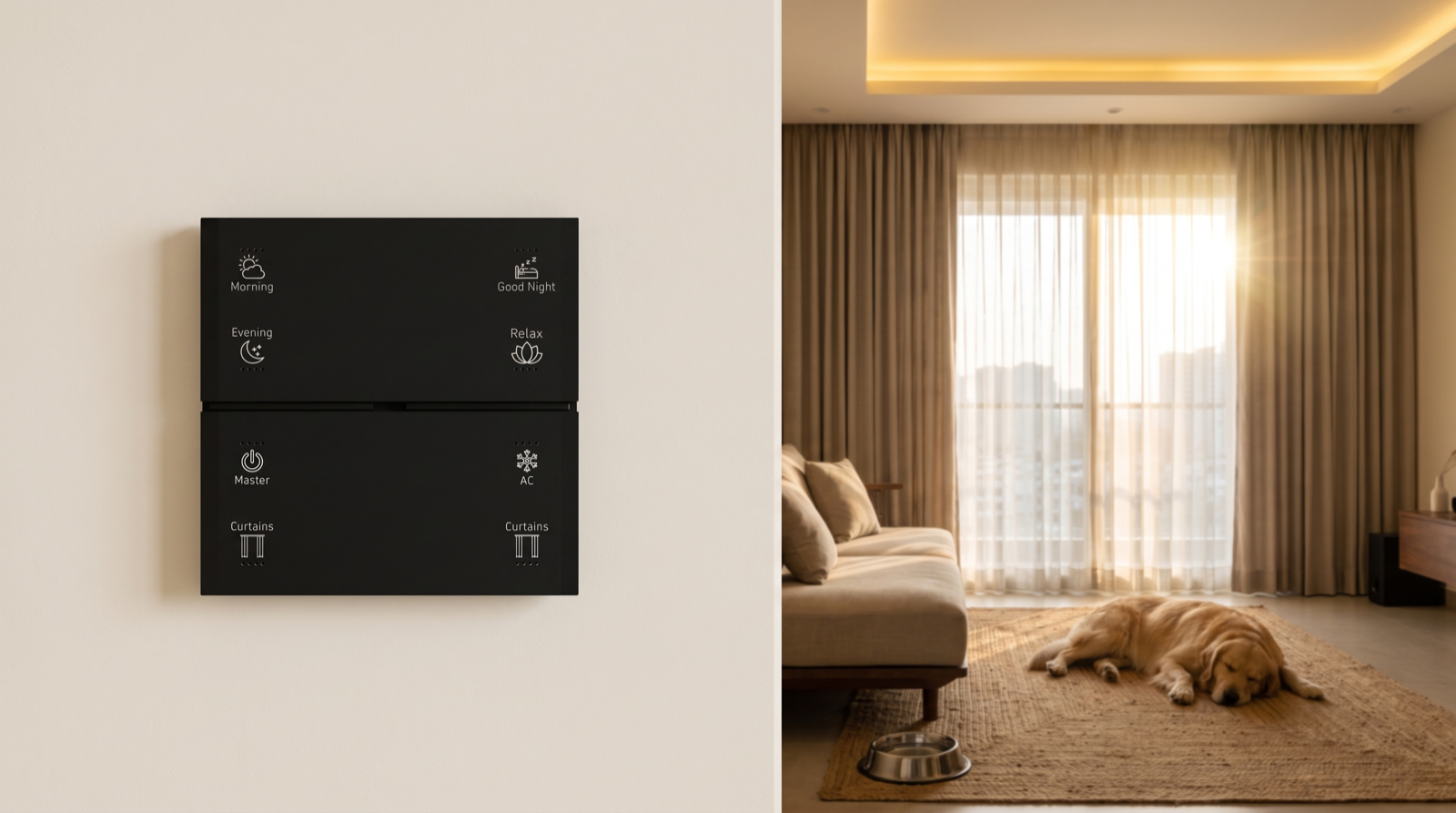
Large dogs that jump up to greet people at the door can occasionally press a keypad mounted right beside it. If that is your dog, place the entrance keypad a little away from the door swing, or keep whole-house buttons such as Master Off on the inner foyer wall. Pert's Stella keypads are mapped in software, so a button that keeps getting pressed by accident can be moved to a different position or removed without rewiring.
Curtains
Cats climb curtains and sleep on window sills; dogs lie in the sun exactly where a curtain stops. Ask the installer how the chosen motor behaves if the curtain meets resistance and see it demonstrated, keep scheduled curtain movements to times the pet is not usually at the window, and consider a sheer fabric that tolerates claws in a cat household. Fabric choice is covered in how to choose curtain fabrics for motorised curtains.
Lighting
Leave the pet a soft light rather than none at all. A single dimmable lamp or cove at 20–30%, warm white, from sunset until the family returns is enough — and it doubles as a welcome light when you open the door.
How Pert delivers it — a designed solution, not a DIY kit
Pets are where off-the-shelf app gadgets reveal their assumptions: every motion sensor fires, every away mode raises false alarms, and the owner ends up disabling the automations they paid for. Pert designs and installs the whole system as one: keypads, tunable and dimmable lighting, motorised curtains and sensors and security, working together over Zigbee through the Pert gateway. During the consultation we ask about the pet as carefully as about the people: its size, where it sleeps, whether it climbs, who walks it and when, and which rooms get the afternoon sun. That shapes sensor heights and types, the Pet Home mode, the curtain schedule and the door-alert windows. After commissioning we review the event log with you over the first weeks and move or re-condition any sensor the pet keeps setting off. If you are still choosing an installer, our guide to the best home automation companies in Hyderabad lists the questions to ask.
Planning automation for a Hyderabad home with a dog or cat? We will design the sensors, modes, curtains and alerts around how your pet actually lives — and tune them after you move in. Request a consultation →
Frequently asked questions
Will my dog or cat keep switching the lights on through the motion sensors?
Only if the sensors are placed and configured without the pet in mind. A wall-mounted motion sensor aimed across the floor sees a dog or cat exactly as it sees a person. Mounting sensors higher and angling the zone above pet height, choosing sensor types carefully, and using conditions such as modes — so night-path rules run only after Good Night has been pressed — prevent most false triggers. In a few rooms it is simpler to use a door contact or a keypad button instead.
Can I use away mode if my pet stays at home?
Yes, but as a separate variant, often called Pet Home. A normal Away mode switches everything off and treats indoor motion as an intrusion, which a pet would trigger all day. The pet variant keeps the main door and window contacts armed, ignores indoor motion, leaves a low lamp on after sunset, closes sun-facing curtains in the afternoon and cools the pet's room on a schedule. One button at the main door sets it.
Is it safe to rely on a smart AC schedule to keep my pet cool in summer?
It is a useful layer, not a guarantee. Most split ACs are controlled by infrared, which is one-way, so the system cannot always confirm the AC turned on, and after a power cut many ACs stay off until switched on again. Combine the schedule with closing sun-facing curtains before the afternoon heat, leaving the pet in the coolest room with water, checking in on a camera, and having someone who can come home if the power is out for long.
How do I let a dog walker or pet sitter in without getting constant alerts?
Give the main-door rule a time window. During the walker's usual slot, an opening is logged and sends one informational notification, and the entrance lights come on if it is dim. Outside that window, or in Night mode, the same opening is treated as important. If the sitter needs app access, give them a limited account for the rooms they need and remove it when they stop coming.