
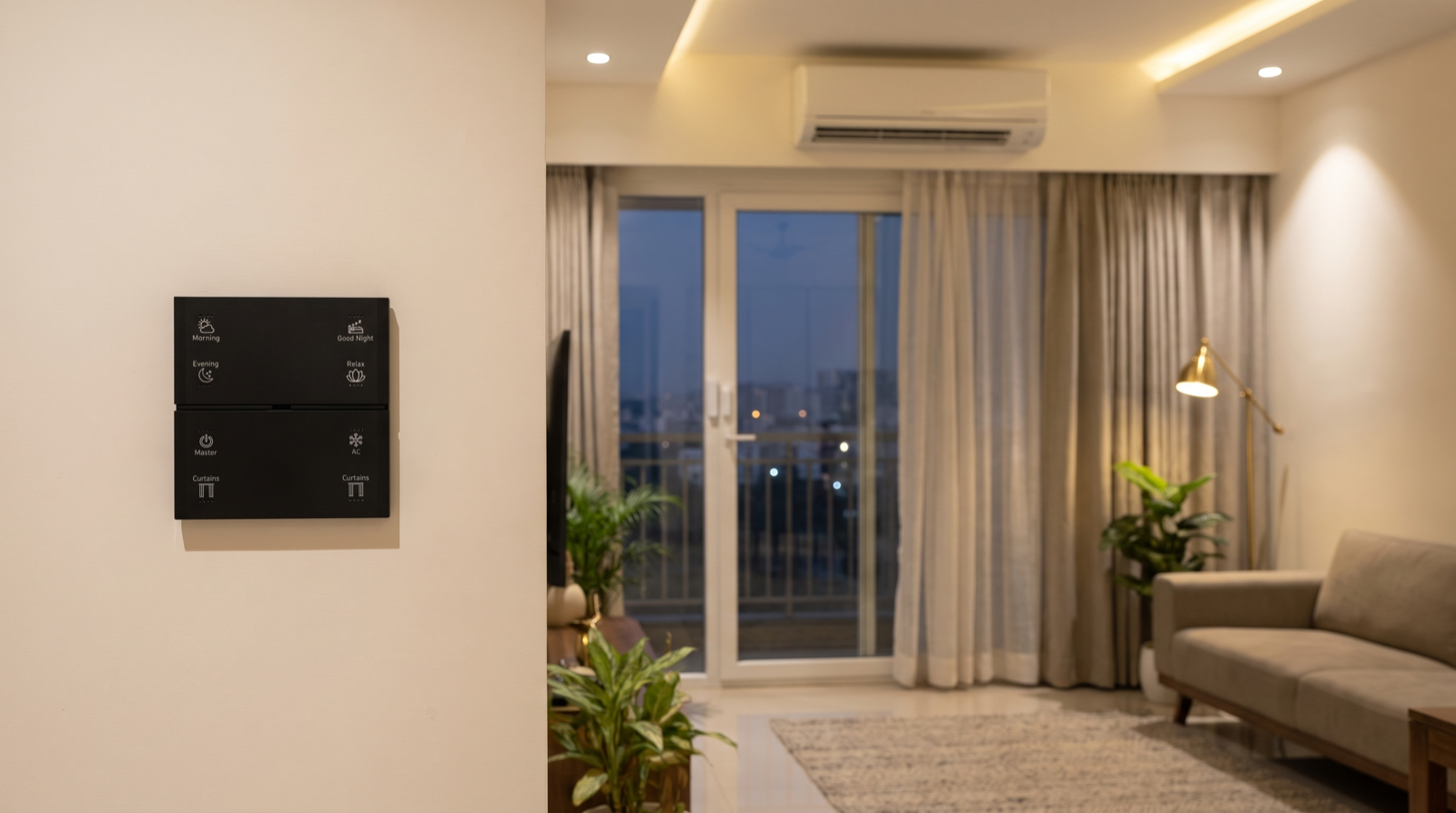
In this guide
- Interlocks, exceptions and fail-safes: three kinds of guardrail
- Worked interlocks: AC, curtains, doors and arming
- Exceptions: what Master-off, Away and Good Night must leave alone
- Fail-safe defaults: alarms, night paths and lost connections
- Minimum levels, run-time limits and confirmations
- Keeping guardrails helpful, not bossy
- How to test guardrails at handover
- How Pert delivers it (designed, not DIY)
- FAQs
This article is part of our wider coverage of home automation in Hyderabad. It builds on two earlier explainers: triggers, conditions and actions, which explains how a rule is built, and how automations resolve conflicts, which explains what happens when two rules want the same light. Guardrails are the layer above both.
Interlocks, exceptions and fail-safes: three kinds of guardrail
Every guardrail answers one question: whatever just asked for this, should it be allowed to happen right now? They come in three shapes.
| Guardrail | What it does | Typical example | Cost it prevents |
|---|---|---|---|
| Interlock | Blocks or reverses an action while another condition is true | AC will not run while the balcony door has been open for more than a few minutes | Wasted cooling, damage, an action that could hurt someone |
| Exception | Removes specific devices from a broad command | Master-off switches off the whole flat except the night path light and the gateway | Darkness where someone needs light; switching off the system itself |
| Fail-safe default | Defines what the home does when something goes wrong | On an alarm, path lights to full; if a sensor goes silent, assume occupied and leave lights on | Confusion during an emergency; lights going off on people |
How do these differ from priorities? A priority decides which of two competing requests wins. A guardrail can refuse every request, including a button press, because the situation makes the action wrong. That is why guardrails should be rare, deliberate and clearly explained, and why each one needs a way for a person to override it on purpose.
Worked interlocks: AC, curtains, doors and arming
Interlocks almost always need a sensor that knows the state of something physical, most often a door or window contact on the Zigbee network. Here are the interlocks we find most useful, written in the trigger–condition–action form an installer would program.
1. AC and open balcony or terrace doors
In Hyderabad's summer an AC running against an open sliding door works hard and cools very little. A sensible rule:
- Trigger: the balcony door contact reports open.
- Condition: it stays open for 3 minutes (long enough to step out with tea, short enough to matter) and the room's AC was switched on by the system.
- Action: send a complete off command to the AC, flash or indicate on the room keypad, and send one notification to the household.
- Hold: while the door stays open, schedules and scenes do not switch that AC back on. When the door closes, the previous state can be restored or left for a person to decide.
Because most split ACs are controlled by infrared, the system knows what it sent rather than what the AC did; see how AC automation works. That is one more reason to send a complete off command rather than a toggle, which could switch an AC that someone already turned off back on.
2. Motorised curtains and an open door
Motorised curtains often sit in front of the balcony door itself. If a sunset schedule or a Good Night scene closes them while the door is open, someone can be left outside behind a blackout curtain, and a curtain blowing in the monsoon wind through an open door can snag. A useful interlock: automatic closing (schedules and away routines) is skipped for that curtain while its door contact shows open, and the household gets a short message instead. A deliberate press on the Curtains button still works, because the person pressing it can see the door. Our guide to how motorised curtain automation works covers limits and positions in detail.
3. Arming security with an opening left open
Setting the home to Away or Night while a window or door is open defeats the purpose. The interlock here is softer: rather than refusing outright, the system tells you which opening is open and asks whether to arm anyway with that one excluded. A silent refusal leaves the family unsure whether the house is protected; a silent arm leaves a gap. Arming, entry delays and alarm responses are explained in how smart home security automation works.
4. Presence simulation only when the house is genuinely empty
Lights that switch on and off to make a house look lived-in are useful when the family travels and confusing when a parent is home alone. Tie presence simulation to the Away mode being set deliberately, not to "no motion for a few hours".
| Interlock | Sensor needed | Blocks | Still allowed |
|---|---|---|---|
| AC ↔ balcony door | Door contact | Schedules and scenes switching the AC on | A person switching the AC on from the keypad or app, on purpose |
| Curtain ↔ balcony door | Door contact | Automatic closing | A deliberate Curtains press |
| Arming ↔ open windows | Door and window contacts | Arming without telling you what is open | Arming with that opening excluded, after confirmation |
| Presence simulation ↔ mode | None (mode state) | Simulation in Home or Night mode | Simulation in Away or Holiday mode |
Exceptions: what Master-off, Away and Good Night must leave alone
Broad commands are the most convenient part of automation and the most dangerous if written carelessly. A Master button that truly switches off "everything" will eventually switch off something it should not. Write the exception list before writing the scene. A typical list for a 3BHK flat:
- The system itself. The Pert gateway, the router and any circuit feeding keypads are never on a switchable load. If they were, a Master-off could take the home offline until someone found the breaker.
- Security. Cameras, sensors and smart locks from the security range are not part of Master-off; leaving home should arm security, not switch it off.
- Night path lighting. A low passage light between the bedrooms and the bathroom, especially near an elderly parent's or child's room, stays at its night level after Good Night.
- Scheduled outdoor lighting. Gate, façade and balcony lights that run on sunset schedules are left to their schedule rather than being switched off by a button inside.
- Occupied rooms. A Master-off pressed at the main door at night should not switch off a bedroom where someone is already asleep with a reading light on; scope it to common areas, or let each bedroom keypad own its room.
The same thinking applies to Away and Holiday modes (a home office server or aquarium circuit may need to stay powered) and to Good Night (the main door lock status is checked, not changed). One button, many devices explains how group and master commands are structured so these exceptions are easy to maintain.
Fail-safe defaults: alarms, night paths and lost connections
A fail-safe answers "what happens when things go wrong?" before it happens. The principle is simple: when the system is unsure, it should choose the outcome that is safest for people, even if it costs a little electricity.
| Situation | Fail-safe default | Why |
|---|---|---|
| Security alarm triggered at night | Path lights from bedrooms to the main door and living areas go to full brightness; notifications to the agreed people | People need to see and move; darkness helps nobody |
| Motion sensor stops reporting (battery flat, out of range) | Treat the room as occupied: lights stay on rather than timing out, and a low-battery or offline alert goes out | A missing signal should never switch lights off on someone |
| Internet down | Keypads, scenes, schedules and interlocks keep running on the local gateway; only remote and voice features pause | Guardrails that depend on the cloud are not guardrails |
| Power returns after a cut | Lights come back in a defined state (usually off, or a low level in passages) rather than all at full | Avoids a 3am blaze of light, or a house lit up while the family is away |
| Gateway restarts | Devices hold their current state; no scene replays itself | Curtains should not suddenly open at night because the system rebooted |
The power-cut and battery cases have their own explainers: what home automation can and can't do covers what keeps working without internet and power, and why some outcomes can only be inferred rather than confirmed.
Minimum levels, run-time limits and confirmations
Three smaller guardrails do a lot of quiet work in day-to-day life:
- Minimum levels. Some lights should never go fully dark automatically. A staircase on a motion sensor can fall to 10–15% rather than off between 11pm and 6am; an occupied living room dims to 30% for 30 seconds as a warning before an automatic off, so someone reading can wave or press a button. With dimmable and tunable lighting these levels are set once and recalled exactly.
- Run-time limits. A guest-room AC switched on by a scene and forgotten can be limited: if the room has shown no motion and the door contact has not changed for, say, 2 hours, the AC goes off and a notification explains why. Bathroom and wardrobe lights left on by hand can have a generous maximum, such as 45 minutes, after which they turn off.
- Confirmations. Commands with a big footprint — "all off" from the app, disarming security, switching the whole house to Holiday — ask for a confirmation or need a long-press, so a pocket tap or a child playing with a phone cannot trigger them. On a Stella keypad, putting Master on its own clearly labelled button rather than a double-press of something else serves the same purpose.
Keeping guardrails helpful, not bossy
The risk with guardrails is a home that refuses things and nobody knows why. Five design rules keep them on the family's side:
- Few, and each with a named cost. If you cannot say what a guardrail prevents — wasted cooling, a fall, an unarmed house — leave it out.
- Always explain. Every block or reversal produces a visible sign: a keypad indication, one clear notification ("Living room AC switched off — balcony door open 3 min"), or an entry in the app's activity history.
- Block automation before people. Most guardrails should stop schedules and sensors, not a person standing at the keypad who can see the situation.
- One deliberate override. Pressing the button again, or a long-press, should be enough to say "I know, do it anyway".
- Written down. The handover document lists every guardrail in plain language, so when the home does something unexpected the family can check it. Our guide to tracing unexpected automations shows how that list is used.
How to test guardrails at handover
Guardrails are easy to program and easy to get subtly wrong, so they should be proved on site, not assumed. A practical handover script takes about 20 minutes:
- Switch the living-room AC on, open the balcony door and wait: does the AC go off at the agreed time, and does the notification arrive? Close the door: does it behave as agreed?
- With the balcony door open, trigger the sunset or Good Night curtain close: does that curtain stay put while the others move?
- Open a bedroom window and try to set Away: does the system name the window and ask before arming?
- Press Master-off at the main door at night: do the night path light, outdoor schedule and security stay as they should?
- Trigger a test alarm: do the path lights go to full?
- Unplug the internet and repeat one interlock: does it still work?
If a company cannot tell you which guardrails your design includes, that is worth knowing before you sign. Our guide to the best home automation companies in Hyderabad lists further questions to ask installers.
How Pert delivers it — a designed solution, not a DIY kit
Pert designs and installs complete systems — Stella keypads, tunable and dimmable lighting, motorised curtains, scene automation and security devices — working together on one Zigbee network through the Pert gateway, with the rules running locally in the home. We are not a box of gadgets you configure yourself. At the consultation we ask the questions that shape guardrails: which doors open onto balconies, who sleeps where, who in the family needs a night path, how you leave the house and what must never switch off. The guardrails are written into the design alongside the scenes, the door and window sensors they need are placed on the drawings, and each one is demonstrated at handover with the script above. After move-in we adjust timings — three minutes or five, 10% or 15% — to how your family actually lives.
Want a smart home that knows what not to do? We design and install lighting, curtains, keypads, scenes and security for Hyderabad flats and villas, with interlocks, exceptions and fail-safes planned from day one. Request a consultation →
Frequently asked questions
What is an interlock in home automation?
An interlock is a rule that blocks or reverses an action when another condition is true, whatever triggered the action. For example, if a door contact shows the balcony door has stayed open for a few minutes while the AC is running, the system switches the AC off, tells someone, and does not let a schedule switch it back on until the door is closed. Scenes and schedules say what the home should do; interlocks say what it must not do in a given situation.
Should a Master-off button switch off everything in the house?
No. It should switch off everything that is safe and sensible to switch off, and nothing else. Typical exceptions are a low night path light, outdoor lighting on a sunset schedule, the gateway, router and security devices, and any room where someone is already asleep. The exception list is agreed at design stage and written into the Master scene.
What should a smart home do automatically when an alarm is triggered?
Make the home easy to see and easy to leave: path lights from the bedrooms to the main door and the main living areas go to full brightness, no doors open automatically, and the right people are notified. The rule should run on the local gateway so it does not depend on the internet, and it should be designed and tested with the family at handover.
Can guardrails make a smart home annoying to use?
They can if there are too many or they act without explanation. Good guardrails are few, each protects against a real cost, and each tells the family what happened through a keypad indication, a short notification or the app. Every guardrail should also have a deliberate way to override it, so people stay in charge of their own home.