
In this guide
This article is part of our wider coverage of home automation in Hyderabad. If you are leaving the system in place for the next occupant, read our guide on handing over a smart home when you sell or rent it out. This guide is for when you want to take some or all of it with you.
Fixed or portable: how to tell
The simplest test is the one a buyer, landlord or lawyer will apply: is it wired into the building or fixed to it, and would removing it leave the home incomplete? If removing a device means a switch box with no switch, a ceiling with no light control or a door with no lock, it is effectively part of the house unless you agree otherwise and replace it.
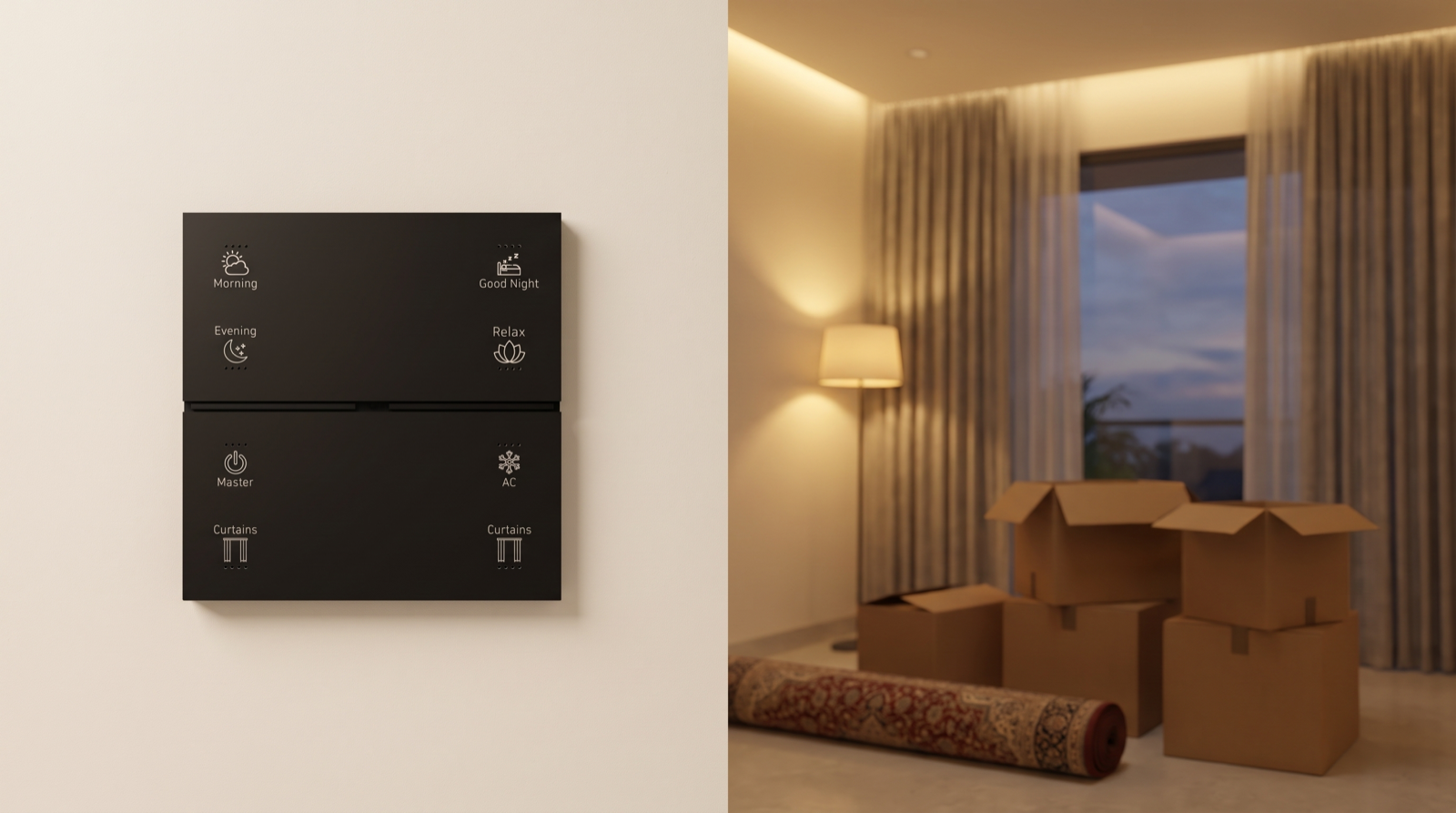
- Fixed in practice: wall keypads in switch boxes, lighting controllers in the false ceiling or behind panels, curtain tracks cut to the window, the smart lock fitted to the door, wired sensors.
- Portable in practice: the gateway, battery-powered door, window and motion sensors, plug-in devices, IR controllers for AC, standalone cameras.
- In between: curtain motors (removable, but matched to the track), smart locks (removable, but only fit doors with compatible preparation), and fixtures you supplied yourself.
Take or leave: device by device
| Device | Usually | Why | If you take it |
|---|---|---|---|
| Wall keypads | Leave | Wired into switch boxes; removal leaves the room without control | An electrician must fit ordinary switches in their place |
| Lighting controllers in ceilings or panels | Leave | Part of the lighting circuits; access is disruptive | Circuits must be restored to plain switching |
| Light fittings and drivers | Leave | Fixed to the ceiling; sized to the rooms | Rarely worth it; replace with basic fittings |
| Curtain tracks | Leave | Cut to the window width; unlikely to fit elsewhere | New windows usually need new tracks |
| Curtain motors | Leave, or negotiate | Removable, but matched to track and curtain weight | Check track system and weight at the new home first |
| Smart door lock | Negotiate | Removable, but the door needs a lock to stay secure | Fit a standard lock before you leave; check door prep at the new home |
| Gateway | Take, if you take the system | It holds the network; without it the leftover devices need a new one | If devices stay, the gateway may need to stay too; discuss with your installer |
| Battery sensors | Take | Stick-on or screw-fixed; easy to remove | Fill screw holes; re-pair at the new home |
| IR AC controllers | Take | Standalone; the AC stays | Re-learn the AC model at the new home if it differs |
| Cameras | Take, usually | Removable; remove your cloud account first | Re-position for the new layout |
In most moves, the realistic outcome is: the wiring-level automation (keypads, controllers, tracks) stays with the house, and the portable layer (sensors, cameras, perhaps the lock) comes with you. Whatever stays should be handed over with admin access, not left half-working.
What to agree with the buyer or landlord
- If you are selling, list in the sale agreement which automation devices are included and which you are removing. Buyers often value the automation, and removing it after an agreement can cause disputes.
- If you are a tenant, anything you installed with the landlord’s permission should be dealt with as agreed then. If nothing was agreed, assume you must restore the home to its original condition: ordinary switches back in the boxes, the original lock refitted, holes filled.
- If you are leaving devices behind, hand over admin access, the device list and the scene list, and remove your own accounts. That is a selling point, not just a courtesy.
Removing devices safely
Take devices out of the system before you take them off the wall. The order matters:
- Remove the device from the app and gateway (or factory reset it) so the remaining network does not keep looking for it and so it can join a new network later.
- Switch off the MCB for any mains-powered device before anyone touches it. Wall keypads and in-ceiling controllers should be removed and replaced by a licensed electrician, not by the moving crew.
- Restore normal function. Every switch box needs a working switch, every lighting circuit needs to switch on and off, and the main door needs a working lock. Test each before you hand over keys.
- Remove your accounts from cameras, the lock and any voice assistant links, and delete stored lock codes and fingerprints if the lock stays.
- Label and pack each device with its room and purpose. Keep the small parts: mounting plates, screws, magnets for door sensors.
If the device schedule from your original installation exists, it doubles as your packing list.
Setting it up again at the new home
Moving a smart home is not plug-and-play. A new home has different rooms, windows, circuits and Wi-Fi, so the design has to be done again even if many devices are reused:
| Step | What is involved |
|---|---|
| Survey | Check neutral wires in switch boxes, box depths, window sizes, door preparation and where the gateway can sit near the router |
| Design | New keypad map and scene matrix for the new rooms; decide which old devices fit and what is new |
| Install | New keypads, controllers and tracks; reuse portable devices where they suit |
| Commission | Pair every device to the gateway, build scenes and schedules, plan the mesh for the new building |
| Fine-tune | Adjust levels, positions and automations after the first few weeks |
Two points often surprise people. First, scenes and schedules rarely transfer usefully, because they refer to the old rooms; they are rebuilt. Second, the mesh must be planned again: a gateway that covered a compact flat may need more router devices to cover a G+1 villa. Our guide to what happens during commissioning explains the work involved, and how long home automation lasts helps you decide whether older devices are worth moving at all.
If the new home has ordinary switches and you want to add automation there, see how to add home automation to existing modular switches.
A moving plan, week by week
| When | What to do |
|---|---|
| 6–8 weeks before | Decide what stays and what goes; put it in the sale agreement or agree it with the landlord; book your installer for the new home survey |
| 4 weeks before | Survey the new home; finalise the new design; order new keypads, tracks and controllers |
| 1 week before | Remove portable devices from the system; book an electrician for any fixed devices you are taking |
| Moving day | Test switches, lights and the door lock in the old home before handing over keys; hand over admin and documents for what stays |
| First 2 weeks in the new home | Install, pair and commission; live with it before fine-tuning |
How Pert delivers it — a designed solution, not a DIY kit
Pert handles both ends of a move. In the home you are leaving, we can remove devices properly, restore ordinary switching where needed, and hand over what stays with documentation and clean admin access. In the new home, we survey, design a new layout of Stella keypads, tunable and dimmable lighting, motorised curtains and security devices, reuse what makes sense, and commission it all on one Zigbee network through the Pert gateway, with scenes and schedules running locally. Our own team installs and fine-tunes it after you settle in. When you compare installers, our guide to the best home automation companies in Hyderabad lists what to ask.
Moving to a new home in Hyderabad? We design and install lighting, curtains, keypads, scenes and security for apartments and villas, and can help you decide what to take, what to leave and how to set up the new home. Request a consultation →
Frequently asked questions
Can I take my smart switches and keypads when I move?
Technically yes, but it is usually not worth it. Wall keypads are wired into switch boxes, so removing them leaves rooms without control unless an electrician fits ordinary switches in their place. If you are selling, they are normally treated as part of the house unless the sale agreement says otherwise. Portable items such as battery sensors, cameras and AC controllers are much easier to take.
Will my scenes and schedules work in the new home?
Rarely without rework. Scenes and schedules refer to the rooms, lights and curtains of the old home, so they are rebuilt for the new layout. The new home also needs its own survey, keypad map and mesh plan, because walls, floors and the router position are different. Reused devices are paired again during commissioning.
Should I take the smart door lock when I move out?
Only if you agree it with the buyer or landlord and fit a standard lock before you leave, because the door must stay secure. Check that the new home's door has compatible preparation before you plan to reuse it. If the lock stays, delete your codes and fingerprints and hand over admin access to the new owner.
What should a tenant do with home automation when moving out?
Follow whatever was agreed with the landlord when it was installed. If nothing was agreed, assume you must restore the home to its original condition: ordinary switches refitted, the original lock back on the door and holes filled. Remove your accounts from every device, and have an electrician handle anything wired into the walls.