
In this guide
- What actually changes through a Hyderabad year
- Three ways to make automation seasonal
- Summer: curtains for heat, AC pre-cooling and later evenings
- Monsoon: dark afternoons, storms and open windows
- Winter and festival season: late mornings, early evenings
- A month-by-month calendar for a 3BHK
- The 10-minute seasonal switchover checklist
- How Pert delivers it (designed, not DIY)
- FAQs
This article is part of our wider coverage of home automation in Hyderabad. It builds on how to schedule home automation with time, sunrise and sunset routines, which explains offsets and clamps, and on how home automation modes work. If you have just moved in, the first 90 days are covered in how to fine-tune home automation after you move in. Here the focus is the whole year: what should change by itself, and what should not.
What actually changes through a Hyderabad year
Four things shift with the seasons, and each affects a different part of the system. The figures below are approximate and are for planning, not precise forecasts.
| What changes | How much, roughly | What it affects |
|---|---|---|
| Daylight times | Sunrise from about 5:40am (June) to 6:50am (January); sunset from about 5:40pm (late November) to 6:55pm (early July) | Morning and evening scenes, outdoor and balcony lights, curtain open/close times |
| Sun direction and height | At about 17°N, the midday sun is almost overhead around mid-May and early August, and sits well to the south in December. In summer it rises and sets north of east and west. | Which windows get direct sun, and when; curtain heat control |
| Heat | Afternoon highs commonly near or above 40°C in April–May; mild days and cool nights in December–January | AC routines, pre-cooling, daytime curtain positions |
| Sky brightness | Heavy cloud and rain spells from roughly June to September, with retreating rains into October | Anything that assumes “daytime means bright”: passage lights, indoor daytime scenes, curtain opening for daylight |
There is a fifth change that is easy to forget: the household's own calendar. School summer holidays in April–May push wake-up times later, exam months pull study-room routines earlier, and the festival season from Dussehra to Diwali brings late evenings, guests and decorative lighting. A good seasonal design treats these as part of the year too.
Three ways to make automation seasonal
There are three mechanisms, and a well-designed home uses all three for different jobs. The aim is that almost nothing needs editing by hand when the weather turns.
| Mechanism | How it works | Best for | Human effort |
|---|---|---|---|
| Sun-anchored triggers | The routine runs at sunrise or sunset plus or minus an offset, with clamps such as “not before 5:30pm”. The gateway calculates the time for your location every day. | Outdoor and balcony lights, evening curtains, privacy sheers, porch lighting | None after setup |
| Date-bounded schedules | The routine is active only between two dates, for example 1 April to 15 June, and switches itself off afterwards. | Summer heat-blocking curtains, summer AC pre-cool, festival lighting windows | None after setup; dates checked once a year |
| Season modes | A single setting (Summer, Monsoon, Winter) that routines check as a condition before they run. Changing the mode changes many behaviours at once. | Anything that depends on the weather rather than the calendar, because the monsoon does not arrive on a fixed date | One change per season, from the app or a keypad button, or automatic on set dates |
The rule of thumb: if it follows the sun, anchor it to the sun; if it follows the calendar, give it dates; if it follows the weather, put it behind a season mode. Routines tied to the family rather than the sky, such as a 6:00am weekday wake-up, should stay on the clock all year. Season modes work exactly like the house modes described in how home automation modes work; they are simply a second, slower-changing condition alongside Home, Away and Night.
Summer: curtains for heat, AC pre-cooling and later evenings
From March to early June the main job of the automation is keeping heat out without making the home feel like a cave. Motorised curtains do most of this work, and the right settings depend on which way each window faces.
Curtain heat control by window direction
| Window faces | When the sun hits it in summer | Suggested summer rule |
|---|---|---|
| West | Hard, low-angle sun from early afternoon until sunset | Blackout or dim-out layer closes around 12:30–1:00pm; sheers stay drawn for daylight; blackout reopens 30–45 minutes before sunset only if the room is in use |
| East | Early morning, from sunrise to mid-morning | Bedrooms keep the blackout closed until the Morning scene; living areas open sheers at sunrise + 30 minutes, blackout after about 10:00am |
| South | Less than you might expect: the summer sun is high, close to overhead around mid-May | Usually no summer rule needed; south glass matters more in winter |
| North | Some early-morning and late-afternoon sun, because the summer sun rises and sets north of east and west | A short late-afternoon sheer close on large north glass, if the room overheats |
Two refinements make these rules feel natural. First, make them conditional on occupancy or mode: in Away mode the west curtains can close fully all afternoon, but if someone is home and has opened them by hand in the last hour, the rule should leave them alone. Second, use positions, not just open and close. A west window at 70% closed with the sheer drawn often keeps the heat out while leaving a usable room. How motorised curtain automation works explains positions and limits, and smart curtains and energy savings in Hyderabad covers what this does for cooling load.
AC pre-cooling and cut-offs
Summer is when AC routines earn their keep. A pre-cool routine that starts the bedroom AC 20–30 minutes before the Good Night scene, or the living room AC before the family usually gets home, should be date-bounded or behind the Summer mode, so it does not keep running into November. Pair it with a cut-off: the AC switches off when the room enters Away, and a door or window contact (where one is fitted) pauses it if a balcony door is left open. How AC automation works in a smart home covers IR control, setpoints and schedules in detail.
Later evenings and holiday mornings
With sunset near 6:45–6:55pm in June and early July, sun-anchored evening scenes move later by themselves, but a clamp such as “not after 6:45pm” keeps the living room ready when the family is home. During the April–May school holidays, children's room wake-up routines can move later as a date-bounded change, and return to term-time settings on their own in June.
Monsoon: dark afternoons, storms and open windows
The monsoon breaks the most common assumption in a smart home: that daytime is bright. A 3pm downpour can make a living room darker than 6pm on a clear day, and routines that only look at the clock or at sunset will get it wrong.
Light-level rules instead of clock rules
Where a light-level (lux) reading is part of the design, routines can respond to how bright it actually is. Passage and staircase lights that are motion-triggered only after dark can use “after sunset or when it is darker than the set threshold”, so they still help on a stormy afternoon. Without a light-level reading, a simple Rainy Day scene on a Stella keypad or the app does the same job by hand: living-area lights to a comfortable daytime level on tunable lighting, sheers open to let in whatever daylight there is, and the summer west-window closing rule paused. Behind a Monsoon season mode, the summer heat rules simply stop running.
Storms, power cuts and recovery
Monsoon storms bring short power cuts and voltage dips. Three settings decide whether the home recovers gracefully:
- Power-on state. Each light controller should come back to a sensible state after a cut, usually the state it was in or off, never full brightness at 3am.
- Missed schedules. A sunset routine that was due while the power was off should be re-checked when the gateway restarts, so the balcony lights still come on.
- Local logic. Scenes, schedules and sensor rules that run on the gateway keep working when the internet is down after a storm, even if the app cannot reach the home from outside.
These are covered in more depth in do smart homes work during power cuts and internet outages. Electrical protection for the system itself, such as surge protection at the distribution board, is a job for your electrician and installer together.
Open windows and balcony doors
Where door and window contacts are part of the security design, the monsoon is the season they pay off in everyday life. A rule such as “if the house enters Away and a balcony door or window is open, send an alert” catches the classic case of a family leaving for work with the balcony door ajar as the clouds build. Keep the alert specific and actionable: which door, which room.
Winter and festival season: late mornings, early evenings
From November to February the problems reverse: mornings are darker, evenings arrive early, and the sun becomes welcome.
Mornings
With sunrise near 6:50am in January, a Morning scene that opens bedroom curtains at a fixed 6:30am reveals a dark sky. The fix is a combination rule: the Morning scene raises the lights on the clock, while the curtains follow “sunrise + 15 minutes, but not before the alarm time”. In winter, warm, gradual light on the tunable fittings does the waking up while it is still dark outside. How to design wake-up and bedtime routines covers this routine in detail.
Evenings and sunshine
Sunset near 5:40pm in late November means evening scenes and outdoor lights should come on more than an hour earlier than in July. Sun-anchored routines handle this without anyone touching them; fixed-time ones will not. Meanwhile the low winter sun from the south becomes useful: south- and east-facing curtains can open fully during the day, and the summer heat rules should already be off. AC pre-cool routines should be disabled for the season, either by their end date or by the Winter mode.
Festival windows
Dussehra and Diwali bring guests, late nights and decorative lighting on balconies and façades. Rather than switching the normal 11pm outdoor-lights-off rule off and forgetting it, add a date-bounded festival window, for example “outdoor and balcony lights stay on until 12:30am from Dhanteras to the day after Diwali”, and a Guest or Party scene that sets living and dining lights for company. When the dates pass, the home returns to its normal schedule by itself.
A month-by-month calendar for a 3BHK
An illustrative seasonal plan for a 3BHK with a west-facing living room, motorised curtains in the living room and bedrooms, keypads in each room and an AC in each bedroom. Your own dates and rules will depend on the home's orientation and the family's routine.
| Period | Season setting | What changes automatically | What to check by hand |
|---|---|---|---|
| March | Switch to Summer | Sun-anchored routines continue to move later | Confirm the west-window rule closing time feels right; check AC remotes and IR control still work after winter |
| April–May | Summer | West blackout closes early afternoon; bedroom AC pre-cool before Good Night; holiday wake-up times for children | Nothing, unless the family's routine has changed |
| June | Switch to Monsoon when the rains settle in | Heat rules pause; children's wake-up returns to term time on its end date | Test the Rainy Day scene; confirm open-window alerts reach the right phones |
| July–September | Monsoon | Light-level or Rainy Day behaviour; power-on states after storms | After any long outage, check that schedules and keypads are behaving normally |
| October | Monsoon to Winter as the rains retreat | Evening routines start moving earlier with sunset | Set this year's festival window dates |
| November–February | Winter | AC routines off; curtains open for winter sun; Morning curtains follow sunrise; festival window ends on its own | Nothing, unless guests or routines change |
The 10-minute seasonal switchover checklist
Three times a year, at the start of summer, the monsoon and winter, run through this list. It takes about ten minutes and catches nearly everything.
- Change the season mode, if your system uses one, and press a few scenes to confirm they now behave as expected.
- Watch one sunset routine fire on the day you switch, to confirm offsets and clamps still feel right.
- Check date-bounded schedules that start or end this season, especially festival windows, whose dates move every year.
- Walk the curtains. Run each curtain to its programmed positions and check nothing has slipped or snagged over the months.
- Test the AC routines you are about to rely on, before the first hot night or after a long idle winter.
- Review alerts. Make sure open-window and security alerts go to the people who are actually in Hyderabad this season.
- Note anything that annoyed you last season and send it to your installer as one list, rather than living with it for another year.
If any of this feels like too much, it is a reasonable thing to ask your installer to do as part of a maintenance visit.
How Pert delivers it — a designed solution, not a DIY kit
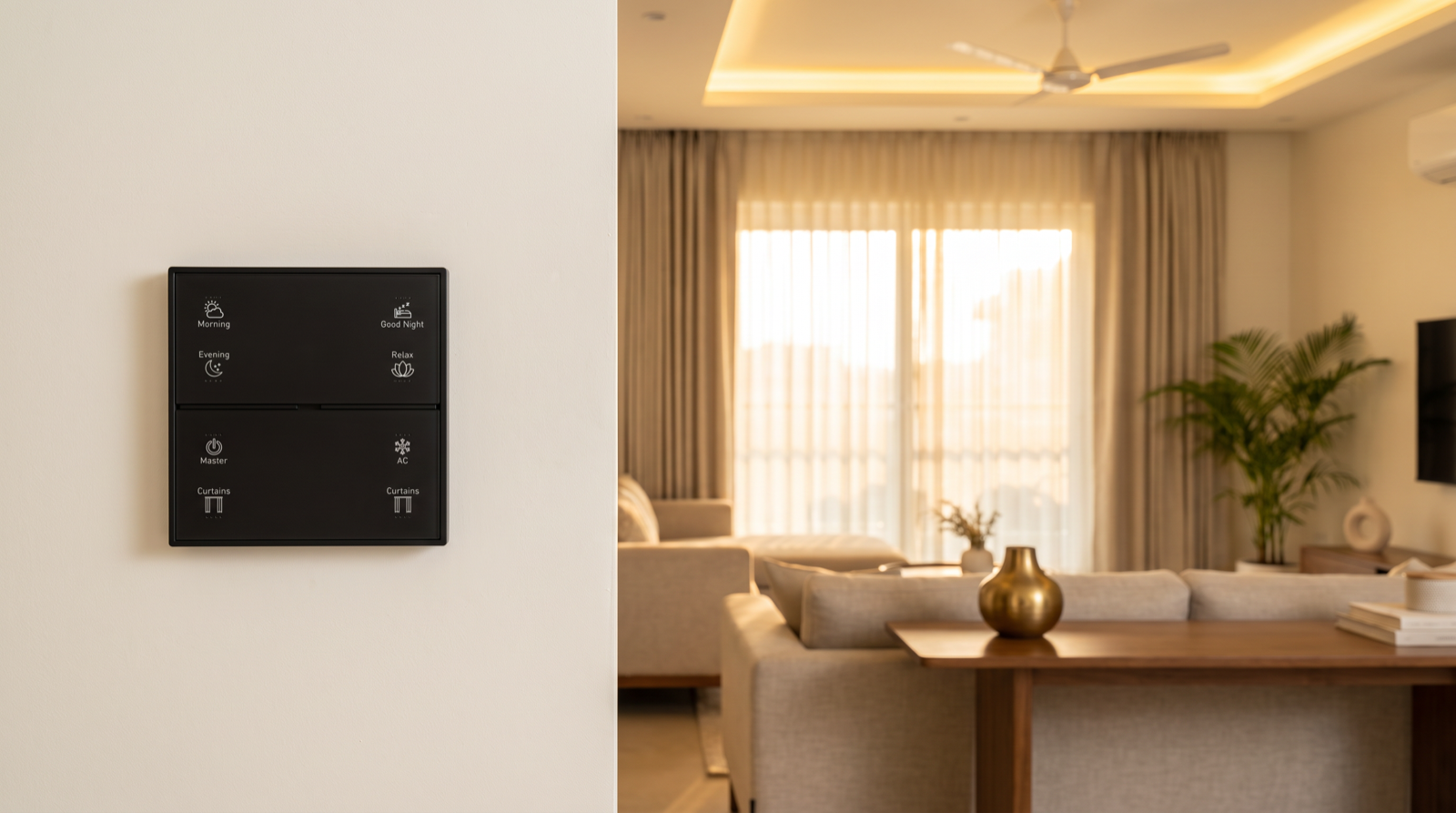
Pert's keypads, tunable and dimmable lighting, motorised curtains and sensors and security devices work together as one Zigbee system through the Pert gateway. Because we design and install the whole system rather than selling a kit, seasonal behaviour is planned at the design stage, not discovered in the first April. During the site survey we note which way each window faces and how the family uses each room; at commissioning we anchor outdoor and evening routines to sunrise and sunset with sensible clamps, set summer curtain and AC rules as date-bounded or season-mode routines, configure power-on states and local schedules so the home recovers cleanly after monsoon power cuts, and keep everyday control on the wall so it works with or without the internet. At handover we show you how to change the season and which few things are worth checking each year. After handover we stay on call, and seasonal adjustments are part of the support we offer.
Planning home automation for a Hyderabad flat or villa? We will design the whole system — keypads, lighting, curtains, sensors and security — so that it keeps up with May afternoons, monsoon storms and short winter evenings without you having to reprogramme it. Request a consultation →
Comparing installers? Ask each one how their schedules handle sunrise and sunset, whether summer curtain rules switch off by themselves, and what happens to scenes after a power cut. Those questions sit alongside the wider checklist in best home automation companies in Hyderabad.
Frequently asked questions
Do I have to change my smart home settings every season?
Very little, if the system is designed for it. Routines tied to daylight, such as outdoor lights and evening curtains, should follow sunrise and sunset so they move by themselves through the year. Seasonal behaviour such as summer heat-blocking curtains can be set once as date-bounded schedules that switch on and off automatically. What remains is a short review at the start of summer, the monsoon and winter, which takes about ten minutes.
What is a season mode in home automation?
A season mode is a single setting, such as Summer, Monsoon or Winter, that other routines check before they run. Instead of editing ten schedules when the weather changes, you change one mode and each routine picks its seasonal behaviour: heat-blocking curtains in Summer, earlier evening lights in Winter, and so on. It can be changed from the app or a keypad button, or switched automatically on set dates.
How should motorised curtains be automated in a Hyderabad summer?
By window direction. West-facing glass takes the hardest sun in the afternoon, so blackout or dim-out curtains on those windows can close from around midday to late afternoon while the sheers stay drawn for daylight. East-facing windows need shading only in the early morning. Around mid-May and early August the midday sun in Hyderabad is almost overhead, so south-facing glass gets less direct sun in summer than in winter. A designed system sets these as date-bounded rules that stop by themselves when the season ends.
Why do my lights or curtains behave differently after a monsoon power cut?
Storms bring short power cuts and voltage dips, and a schedule that was due while the power was off may have been missed. A well-designed system runs schedules on the local gateway, restores devices to a sensible state when power returns, and can re-check sunset-based routines on recovery. If something consistently comes back in the wrong state after an outage, it is a commissioning setting your installer can correct.