
In this guide
- Scenes, automations and modes: three different things
- The seven modes most homes need
- A worked mode matrix for a 3BHK in Hyderabad
- How modes change: buttons, schedules, sensors and the app
- House modes vs room modes, and which one wins
- Seven mistakes that make modes confusing
- How Pert delivers it (designed, not DIY)
- FAQs
This article is part of our wider coverage of home automation in Hyderabad. It builds on sensor-triggered automation: triggers, conditions and actions and time, sunrise and sunset routines, which both use modes as a condition. Here the mode itself is the subject.
Scenes, automations and modes: three different things
Most confusion about modes comes from mixing them up with scenes. The three building blocks of a designed system do different jobs:
| Building block | What it is | Example | How long it lasts |
|---|---|---|---|
| Scene | A set of device states applied once | Relax: living-room cove at 40%, downlights off, sheers closed, blackout open | An instant; after that anyone can change anything |
| Automation | A rule: when a trigger happens, if conditions are true, do actions | When passage motion is detected and it is dark, turn the passage lights on, and off after 2 minutes without motion | Waits for its trigger, every day |
| Mode | A state the whole home is in, which automations and schedules check before acting | Night: path lights dim and warm, wake-up schedules armed, door alerts on | Until something changes it |
The key idea: a mode does not move anything on its own. It is a single setting, stored on the gateway, that every schedule, sensor rule and alert can read. Change one value and the behaviour of the whole home changes with it. That is why a home with twenty automations and four modes is far easier to live with than one with eighty separate rules covering every combination.
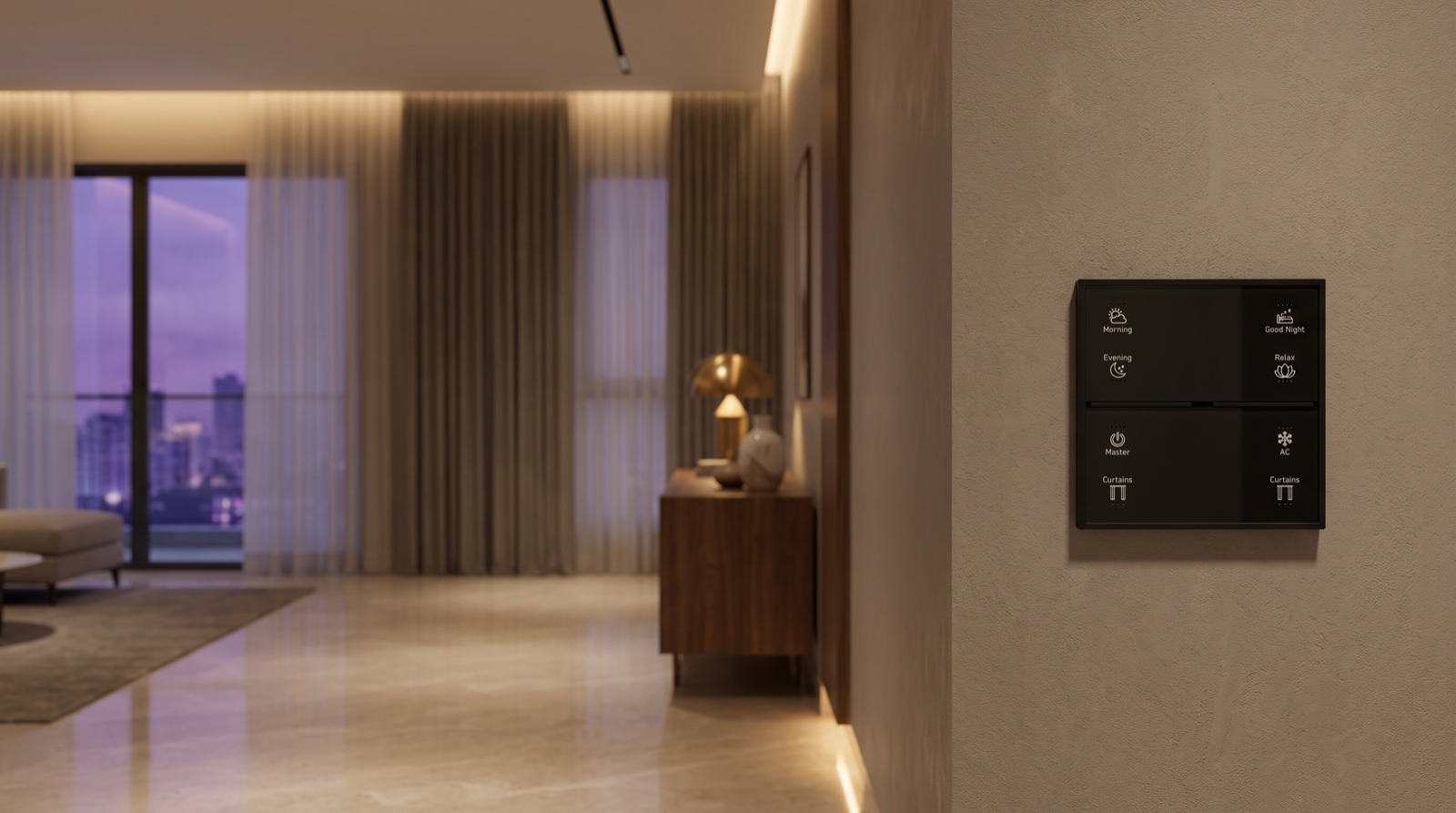
In practice, buttons usually do both jobs at once. Pressing Good Night on a wall keypad runs a scene (living areas off, curtains closed) and sets the house to Night mode, so that the sensors behave appropriately until morning.
The seven modes most homes need
Every home is different, but after many projects the same small set keeps coming back. Three are near-universal; the rest are added where the family's life calls for them.
| Mode | When it is active | What it changes | How it usually ends |
|---|---|---|---|
| Home (default) | Daytime and evening with the family in | Normal schedules, comfortable sensor brightness, alerts only for genuine problems | Night, Away or a temporary mode is set |
| Night | After Good Night until morning | Path lights at 10–15% warm with short timeouts, balcony and main-door alerts on, no loud chimes | Morning scene, wake-up schedule, or first motion in the kitchen after 6am |
| Away | Nobody home — from a day at the office to a long trip | Family routines suspended, every door and motion sensor becomes an alert, presence simulation for longer trips | Arrive button or the app |
| Guest | Parents or friends staying over | Guest bedroom removed from schedules and whole-house scenes; Good Night leaves the guest room and its corridor alone | Manually, or after a set number of days |
| Holiday | Family home but off routine: school vacations, Diwali, Sankranti week | Weekday wake-up and school-run routines skipped; evening schedules unchanged | Manually, or on a set date |
| Cleaning (temporary) | Housekeeping or deep cleaning | All lights in the working area at 100% neutral white, curtains open, sensors do not switch lights off | Automatically after 60–90 minutes |
| Party (temporary) | Entertaining | Sensor timeouts suspended in living areas, no 10:30pm wind-down, door alerts silenced while the main door is busy | Automatically at a set late hour, or by Good Night |
Two notes. First, Away deserves its own design work for long trips; how to plan away mode when you travel covers presence simulation, curtains over a long absence and security. Second, the temporary modes (Cleaning and Party) should always end themselves. A Cleaning mode left on by mistake is a house where the passage lights never switch off.
A worked mode matrix for a 3BHK in Hyderabad
The clearest way to design modes is a matrix: automations down the side, modes across the top. Here is a simplified version for a 3BHK flat with motorised living-room curtains, sensors in the passage and on the balcony door, and keypads at the entrance and each bedside.
| Automation | Home | Night | Away | Guest | Holiday |
|---|---|---|---|---|---|
| Passage motion sensor | Lights to 70% warm-neutral when dark; off after 2 min | Floor-level path light 10–15% warm; off after 90 sec | No lights; send alert | As Home, but guest-side corridor stays at Night levels after 10:30pm | As Home |
| Balcony door contact | Nothing | Chime on bedside keypad area + phone alert if opened | Phone alert immediately | As Night after 10:30pm | As Home |
| 6:30am weekday wake-up (bedroom curtains, warm light ramp) | Runs | Runs (and returns home to Home mode) | Skipped | Runs in family bedrooms only | Skipped |
| Sunset − 15 min living-room Evening scene | Runs | — | Replaced by presence simulation on long trips | Runs | Runs |
| 10:30pm wind-down (living lights dim to 30%) | Runs | — | Skipped | Runs | Runs, 45 min later |
| West-facing curtain close at 2pm in summer | Runs | — | Runs (keeps the flat cooler) | Runs | Runs |
| Main door opened | Entrance light if dark | Entrance light 30% + phone alert | Phone alert; camera snapshot where a camera is installed | Entrance light only | Entrance light if dark |
Look at what the matrix achieves. Seven automations and five modes give thirty-five behaviours, yet there are still only seven rules to maintain, each with a short "which mode?" condition. When the family later says "the balcony chime is too sensitive with the kids around", one cell changes, not five rules. And because the matrix is written down at design stage, everyone — the family, the installer and the person maintaining it in three years — can read how the house is meant to behave.
The same idea extends to every load. Motorised curtains are a good example: the west-facing heat schedule should run in almost every mode, because Hyderabad afternoons in April and May are just as hot whether you are home or not. Tunable lighting is the opposite: the colour temperature of a path light is something that changes sharply between Home and Night.
How modes change: buttons, schedules, sensors and the app
A mode is only useful if it is right. A home that thinks it is in Night mode at 9am will annoy everyone. The reliable pattern is a deliberate button first, with automatic changes as a safety net.
| Way to change mode | Good for | Example |
|---|---|---|
| Keypad button | The primary, everyday way; works for every family member and guest | Good Night on the bedside keypad → Night; Leave at the entrance → Away; Morning → Home |
| Schedule | A backstop when nobody pressed anything | If still in Home mode at 1:00am, switch to Night (lights in occupied rooms are left alone); Cleaning ends after 90 minutes |
| Sensor | Ending a mode based on clear evidence | In Night mode after 5:30am, first motion in the kitchen → Home; in Away mode, the main door opened and Arrive pressed → Home |
| App | Modes set from outside the home or rarely used | Switching on Guest mode before your in-laws arrive; Holiday for the school vacation |
Rules that keep mode changes trustworthy
- The mode should be visible. Keypad backlighting on the active mode button, or the mode shown at the top of the app, so anyone can check what the house thinks is happening.
- Automatic changes should be cautious. A sensor can end Night mode in the morning, but it should not start Away mode just because nobody moved for an hour — people sit still while reading or watching a film.
- Phone location is a hint, not a fact. Geofencing ("everyone's phone has left the area") can suggest Away, but phones run out of battery, and domestic staff and elderly family members may be home without a smartphone. A button at the door is more dependable in Indian homes.
- Leaving and arriving should be one press each. The Leave button sets Away and runs the all-off scene; the Arrive button sets Home and runs the welcome scene. How to plan keypad layouts and engraving covers where those buttons belong.
House modes vs room modes, and which one wins
Not every state belongs to the whole house. Some belong to one room:
- Movie in the living or media room: motion sensors in that room stop switching lights, curtains stay closed, and the 10:30pm wind-down skips that room.
- Sleeping in a child's room for an afternoon nap: corridor sensors outside that door drop to Night levels while the rest of the house stays in Home mode.
- Study or Work in a home office: no curtain movement during calls, and lights do not dim on a timer.
When a house mode and a room mode disagree, a simple priority order avoids surprises. The one we design to, from strongest to weakest:
- Safety and security — alerts for an open balcony door at night or a door opening in Away mode are never suppressed by a room mode.
- Manual action — if someone has just pressed a button in a room, automations leave that room alone for a set period (typically 30–60 minutes).
- Room mode — Movie, Sleeping or Study for that room only.
- House mode — Home, Night, Away, Guest or Holiday.
- Schedules — which run only if nothing above overrides them.
Families with small children or elderly parents lean on this most: a nap-time room mode, a Night mode with gentle path lighting, and door alerts that are never switched off. Home automation for families with young children works through those cases in detail.
Seven mistakes that make modes confusing
- Too many modes. If nobody can name all the modes, there are too many. Three to five house modes plus a couple of room modes is plenty for most homes.
- Modes that change nothing. A "Weekend" mode that only skips one alarm is better handled as a schedule condition. Every mode should alter at least two or three behaviours.
- Temporary modes without an end. Cleaning and Party must switch themselves off; otherwise the house stays in them for days.
- Invisible state. If the family cannot see the current mode, every odd behaviour looks like a fault.
- Over-eager automatic switching. Away triggered by a quiet afternoon, or Night triggered at 11pm while guests are still at the dining table, will quickly get modes switched off altogether.
- Security tied to comfort. Silencing the main-door alert for Party mode is fine; silencing a balcony alert at 3am because a room is in Movie mode is not. Keep safety rules above the priority order.
- No written matrix. Without a mode-by-automation table, changes are made by trial and error, and the logic quietly drifts until nobody is sure how the house will behave.
It is also worth checking where modes live. In a hub-based system the current mode is stored on the gateway in your home, and keypads, schedules and sensors check it locally, so modes keep working through an internet outage. If an installer's system keeps modes in a cloud service, ask what happens to Night mode when the broadband drops at midnight. Questions like this are part of the checklist in best home automation companies in Hyderabad.
How Pert delivers it — a designed solution, not a DIY kit
Pert's Stella keypads, tunable and dimmable lighting, motorised curtains and sensors and security devices work together as one Zigbee system through the Pert gateway. Because we design and install the whole system rather than selling a kit, modes are designed with you, not left for you to configure. At the consultation we ask how the household actually runs — who wakes first, when domestic staff arrive, how often parents stay over, how long trips usually are — and turn that into a short list of modes and a written mode matrix like the one above. The keypad buttons that set each mode are planned and engraved to match, the scenes, schedules and automations are built on the gateway, and every mode is tested at handover, including with the internet disconnected. As the family's routine changes, we adjust the matrix with you — usually by changing a cell, not rebuilding the house.
Planning home automation for a Hyderabad flat or villa? We will design the whole system — keypads, lighting, curtains, security, scenes and modes — around how your family actually lives, and show you exactly how the house behaves in each mode before handover. Request a consultation →
Frequently asked questions
What is the difference between a scene and a mode in home automation?
A scene is an action: it sets a group of lights, curtains and other devices once, and then it is finished. A mode is a state the whole home stays in until it is changed, such as Night, Away or Guest. The mode does not move anything itself; it changes how schedules, sensor automations and alerts behave while it is active. Pressing Good Night typically does both: it runs a scene that switches off the living areas and sets the house to Night mode, so the passage sensor now gives a dim warm path light instead of full brightness.
How many modes does a home actually need?
Three to five house modes serve most homes: Home, Night and Away are almost universal, and Guest and Holiday are the most useful additions. Cleaning and Party work best as temporary modes that switch themselves back after a set time. Every mode should change at least two or three automations, and everyone in the house should be able to say which mode the home is in.
Can modes change automatically, or do we have to press a button?
Both. A keypad button such as Good Night or Leave, a schedule (Night at 1am if nobody pressed Good Night), a sensor (first kitchen motion after 5:30am returns the home to Home mode) or the app can all change the mode. Automatic changes work best as a safety net behind a deliberate button press, and the family should always be able to see and override the current mode.
Do modes keep working if the internet goes down?
In a hub-based system where the logic runs on the gateway in the home, yes. The current mode is stored on the gateway, and keypads, schedules and sensor automations check it locally. What pauses is changing the mode from outside the home, voice control and push notifications; mode changes made by a keypad, schedule or sensor inside the home are unaffected.