
In this guide
This article is part of our wider coverage of home automation in Hyderabad. If you are new to how rules work, start with our explainer on triggers, conditions and actions; this guide is about choosing which rules to create in the first place.
Why over-automation is the real risk
A button that does nothing until you press it can never surprise you. An automation can. Every automatic action is a guess about what you want, and when the guess is wrong, the house feels like it is working against you. A few wrong guesses a week are enough for families to start ignoring or disabling automations altogether.
The goal, then, is to automate only the things the house can guess correctly almost every time, and to make everything else one press away on a well-placed keypad. In practice, the best-liked homes we see automate fewer things than people expect, and put more thought into their buttons.
Four tests for any action
Run each candidate action through these four questions. The more “yes” answers, the safer it is to automate.
| Test | Question | Automate if… | Keep on a button if… |
|---|---|---|---|
| 1. Predictable | Would you want this the same way on at least 9 days out of 10? | Yes: the same time, condition or event almost always means the same wish | It depends on mood, guests, weather or who is home |
| 2. Harmless if wrong | What happens if it fires at the wrong moment? | Mild: a passage light comes on for a minute | Annoying or unsafe: darkness on a staircase, curtains opening while someone changes |
| 3. Easy to override | Can anyone undo it in one press, without the app? | Yes: the nearest keypad overrides it and the automation backs off | Undoing it needs the app, or it fires again a minute later |
| 4. Reliably sensed | Can the system actually tell the condition is true? | A door contact, time of day or a mode change says so clearly | It would need to guess intent, such as “we are watching a film” |
Test 4 is the one people skip. A motion sensor can tell that someone moved; it cannot tell that someone is sitting very still reading. A schedule knows the time; it does not know it is a holiday. Automate what can be sensed, not what has to be guessed.
Decision table: 14 common actions
| Action | Our usual recommendation | Reason |
|---|---|---|
| Passage and staircase lights at night | Automatic (motion, low level) | Predictable, harmless, safety benefit |
| Wardrobe and utility lights | Automatic (door or motion) | Short visits, clear trigger |
| Façade and balcony lights at sunset | Automatic (sunset schedule) | Same wish every day; follows the season by itself |
| Everything off when the family leaves | Button (Master at the door), with an app reminder | Guessing that “everyone has left” is error-prone |
| Living room evening lighting | Button (Evening), optionally suggested at sunset | Depends on who is home and what they are doing |
| Bedroom curtains in the morning | Weekday schedule, off on weekends and holidays | Predictable on workdays only |
| Bedroom curtains and lights at bedtime | Button (Good Night) | Bedtime varies; one press is easy |
| Living room curtains against afternoon sun | Automatic with override, west-facing rooms only | Predictable heat gain; must back off if someone opens them |
| AC on before arrival | Button or app, not geofence alone | Location guesses misfire; an empty room cooling wastes power |
| AC off when a room is empty | Automatic with a long delay (20–30 minutes) | Saves power; long delay avoids switching off on still occupants |
| Main room lights off when empty | Automatic off only after a long delay, never automatic on | Someone reading must not be plunged into darkness |
| Bathroom light | Automatic on, off after a long timeout, night level after bedtime | Clear trigger; long timeout avoids darkness in the shower |
| Security arming at night | Linked to the Good Night button, not a fixed time | Arming while someone is still outside is a false alarm waiting to happen |
| Door-left-open and leak-style alerts | Automatic notification | No action in the home, only information |
The in-between options
Most actions are not simply “automatic” or “manual”. These middle patterns solve most of the arguments:
- Manual on, automatic off. You switch the light on with a button; the system switches it off after the room has been empty for a long time. This is the safest way to use occupancy in living spaces and studies.
- One button, many actions. Instead of automating, put five actions behind one well-named button. Good Night can close curtains, set lights to a night level, turn off the living room and arm the perimeter in one press. You keep control; the work is done for you.
- Automatic with an override window. The afternoon curtain close runs, but if someone opens the curtain at the keypad, the automation leaves it alone until the next day.
- Conditional automation. Run the morning curtain schedule only on weekdays, only in Home mode, and only if the room has not already been set manually.
- Notify instead of act. “Balcony door still open at 11 pm” as a notification lets a person decide; closing or locking automatically might not be what you want.
How overrides and priorities work in practice is covered in our guide on overrides, priorities and timers.
Room-by-room examples
Living room
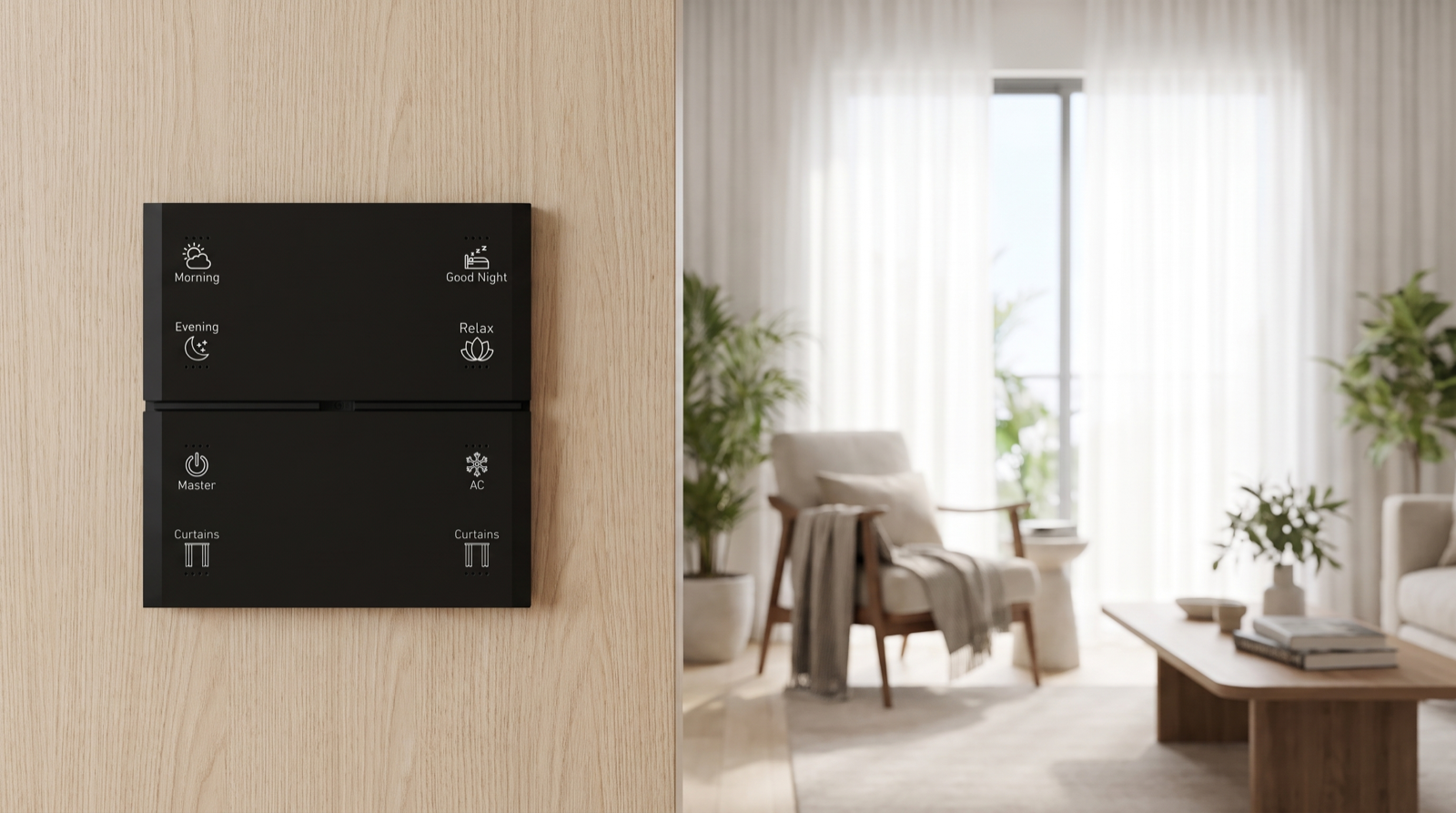
Buttons for Morning, Evening, Relax and Curtains; automatic afternoon sun shading on west-facing glass; automatic off of lights and AC only after a long empty period. No motion-triggered “on”, because the living room is used in too many ways.
Master bedroom
Weekday curtain opening a few minutes before the alarm; Good Night on a bedside keypad; a night path light triggered by motion at floor level after bedtime. No automatic main lights at all.
Kids’ room
A bedtime schedule that dims to a night level, with a button to extend; automatic AC off after the room has been empty for 30 minutes during the day.
Passages, stairs, utility, wardrobes
These are the best candidates for full automation: motion or door triggered, short timeouts, lower levels at night.
Entrance
A Master button by the door for leaving; an arrival light triggered by the door contact after sunset; security changes linked to buttons, not guesses.
Review it after you move in
No one gets this perfectly right on paper. Live with the system for a few weeks and keep a note of every time the house did something unwanted, and every time you pressed the same button at the same time three days running. The first list tells you what to make less automatic; the second tells you what is ready to automate. Our guide on fine-tuning home automation after you move in walks through that first 90 days, and what home automation can and cannot do sets realistic expectations about sensing.
How Pert delivers it — a designed solution, not a DIY kit
Deciding what should be automatic is a design job, not an app setting. Pert plans it with you room by room: which actions go on Stella keypad buttons, which run on sensors or schedules, and which sit in between. Our tunable and dimmable lighting, motorised curtains and security devices run on one Zigbee network through the Pert gateway, so a keypad press always overrides an automation and scenes run locally in the home. After you move in, we adjust the rules based on how your family actually lives. When you compare installers, our guide to the best home automation companies in Hyderabad explains what to ask about this kind of design work.
Want a smart home that does the right things by itself? We design and install lighting, curtains, keypads, scenes and security for apartments and villas across Hyderabad, and plan every automation around how your family lives. Request a consultation →
Frequently asked questions
Should lights turn on automatically when I enter a room?
In passages, staircases, wardrobes, utility areas and bathrooms, yes, because the trigger is clear and a wrong guess is harmless. In living rooms, bedrooms and studies, usually not: these rooms are used in too many ways. A better pattern there is manual on with a keypad scene, and automatic off only after the room has been empty for a long time.
What is the safest way to use motion sensors in a living room?
Use them to switch things off, not on. Set a long delay, typically 20 to 30 minutes, so someone sitting still reading or watching TV is not left in the dark, and let any keypad press reset the timer. Motion sensors detect movement, not presence, so short timeouts in living spaces almost always cause complaints.
Is it better to automate or use one-touch scenes?
For anything that depends on mood, guests or who is home, a one-touch scene is better: one press on a keypad does five or six things, but only when you choose. Automate only what you would want the same way on nine days out of ten, what is harmless if it fires at the wrong moment, and what the system can reliably sense.
Can I change what is automatic after installation?
Yes. In a designed system the rules live on the gateway, so your installer can make an automation less aggressive, add conditions such as weekdays only, move it to a button or remove it. Keep a short list of what annoyed you and what you did by hand repeatedly during the first few weeks, and review it with your installer.