
What this guide covers
If you are designing a theatre space and also planning the rest of your house, it helps to see how this fits the bigger picture. Our main home automation in Hyderabad page covers the whole system, while this article focuses on the one room where scenes, lighting, and AV all have to work together at once.
Why media rooms benefit most from automation
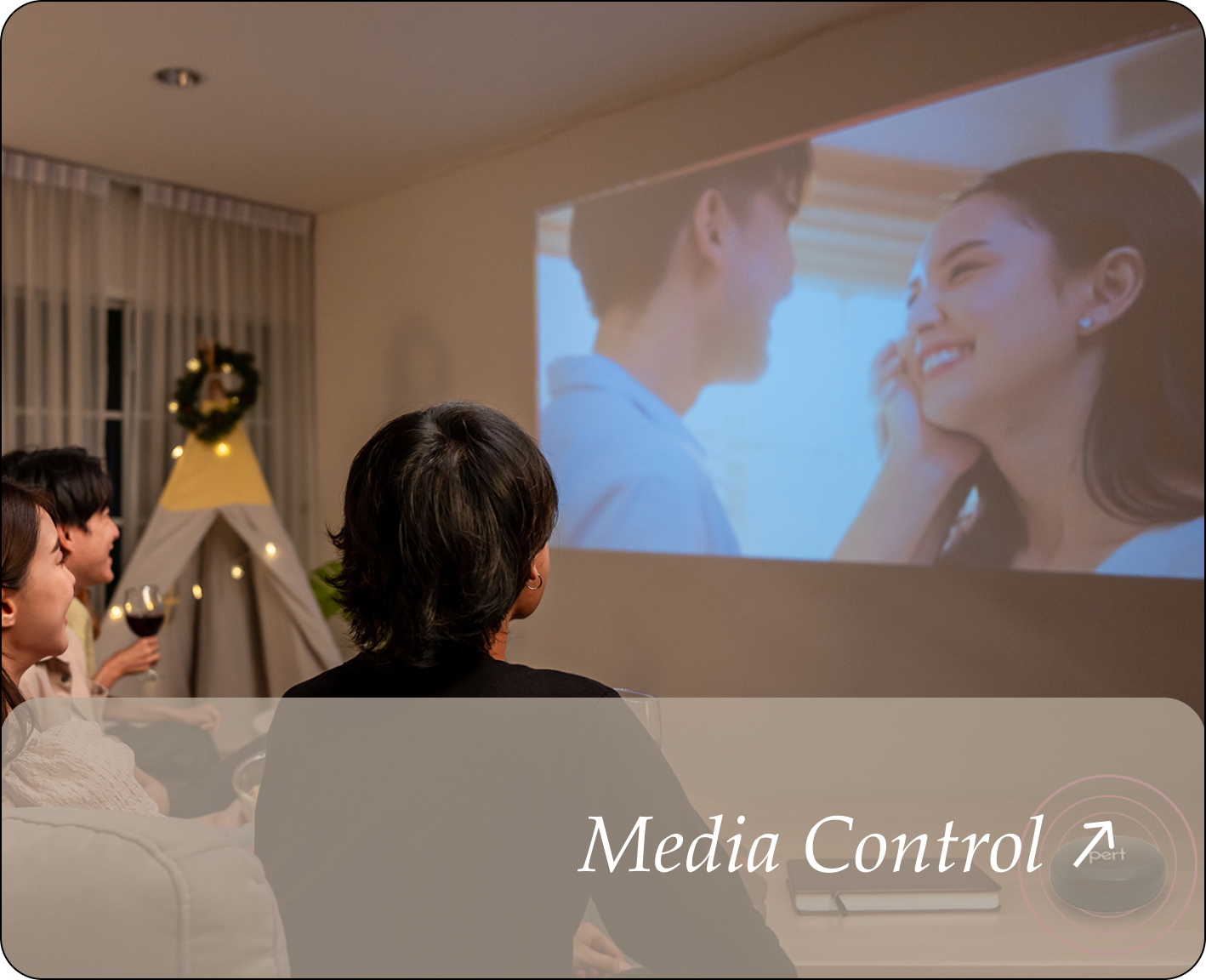
Most rooms in a home have one or two jobs. A media room has several happening together: the lighting has to drop to a precise low level, daylight has to be shut out completely, the projector or TV and sound system have to come on, and everyone has to settle in without someone getting up three times to fix the mood. That is exactly the kind of multi-device choreography automation was made for.
Without automation, you end up with a coffee table full of remotes and a wall of switches that nobody but you knows how to operate. With a well-planned scene, the room does all of it in one tap — which is why a media room often delivers the most obvious "this was worth it" moment in a smart home. It is the same philosophy behind why scene-based automation is better than app-only smart devices.
The one-touch movie scene
At the heart of media room automation is the scene. A scene is a saved combination of settings the room recalls with a single command. For a Hyderabad media room, a few scenes cover almost everything:
- Movie — lights dim to a low warm level (or off), curtains close for blackout, screen and AV switch on, and any distracting indicator lights go dark.
- Pause / Interval — lights rise gently to a comfortable level so people can move around, without killing the mood completely.
- Music — warmer, brighter lighting for casual listening or gatherings, with curtains and AV set differently from movie mode.
- Lights Up / Clean — full brightness and open curtains for tidying the room afterwards.
The key is that these are named, physical, and obvious — not buried in an app. When the scene is a labelled button on the wall, guests and family use it without a tutorial.
Lighting a media room the right way
Lighting makes or breaks a media room. The goal is even, dimmable, glare-free light that can go from full brightness to a barely-there glow without flicker. That usually means a layered approach: recessed or COB and spot lighting for the main level, plus low-level step or strip lighting along the floor or seating so people can move safely in the dark.
Two things matter most. First, every light in the room should be dimmable and grouped into zones, so the front-of-screen lights can be off while a soft back light stays on. Second, warm, tunable lighting feels far more cinematic than cool white. If you are still planning the room, our guide on how to plan smart lighting for a new home walks through zoning and dimming decisions that apply directly to a theatre space.
Curtains, blackout, and Hyderabad daylight
Hyderabad gets long, bright daylight hours, and ambient light is the enemy of a good picture. Motorised curtains and blinds are one of the highest-impact additions to a media room because they deliver proper blackout on demand and fold neatly into the movie scene — no fumbling with cords in the dark.
For daytime viewing, a blackout-lined curtain or a dual-layer setup (a sheer plus a blackout) gives you flexibility: light control for casual watching and full darkness for a film. Tying the curtains into scenes means the room darkens the moment you tap Movie, and opens again when you are done.
Control: keypads, app, and voice
A media room is used by the whole family and by guests, so control has to be simple. The most reliable setup combines three layers:
- Wall keypads at the entrance and near the seating, with clearly named scene buttons. This is the backbone — anyone can press Movie or Lights Up without learning anything.
- App control for fine adjustments, like nudging the brightness a little or saving a new scene.
- Voice control for hands-free convenience once you are settled into the sofa — useful for pausing the lights mid-film. See home automation with Alexa and Google Home in Hyderabad for how voice fits alongside keypads.
The mistake to avoid is making the room app-only. Phones get lost, guests do not have access, and nobody wants to unlock a phone to dim a light. Keypads keep the experience grounded and instant.
Dedicated room vs living-room media corner
Not every home has space for a separate theatre, and that is fine. The same automation logic scales down to a media corner in the living room: dimmable scene lighting, motorised curtains for blackout, and a keypad with Movie and Lights Up buttons. You lose some acoustic and lighting control compared with a sealed room, but you keep the everyday magic of one-touch viewing.
A dedicated room lets you go further — tiered seating, deeper blackout, acoustic treatment, and lighting designed purely for a screen. If you are weighing how a villa and an apartment differ in what is practical, our guide on home automation for villas vs apartments is a useful companion, and home automation ideas for living rooms and other spaces covers the rooms around it.
Planning and wiring it well
If your media room is under construction or renovation, plan three things before walls and ceilings close: lighting zones and dimming, a clean path for projector and speaker cabling, and the positions of your keypads. Getting these right early avoids visible clutter and rework later.
If the room is already finished, wireless retrofit automation still delivers most of the experience — dimmable lighting scenes, motorised curtains, and keypad or app control — without breaking walls. Either way, the planning principle is the same: design around the scenes you will actually use, not the number of devices on the shelf.
Planning a home theatre or media room in Hyderabad? Talk to the Pert team for a scene-by-scene plan that ties your lighting, curtains, and AV into simple one-touch control. Request a consultation →
Frequently asked questions
What does home theatre automation actually do in a media room?
It ties the lights, curtains, and AV into one-touch scenes. A single Movie tap can dim the lights, close the curtains, and switch on the screen, while a Lights Up tap brings everything back — removing the juggle of multiple remotes and switches.
Do I need a dedicated room for home theatre automation in Hyderabad?
No. Many Hyderabad homes automate a media corner in the living room with the same scene logic: dimmable lighting, blackout curtains, and coordinated AV. A dedicated room allows deeper acoustic and lighting design, but a living-room setup delivers most of the everyday experience.
Can I add media room automation to a home that is already built?
Yes. Wireless retrofit automation adds dimmable scenes, motorised curtains, and keypad or app control without civil work. If the room is being built or renovated, plan lighting zones, AV cabling, and keypad positions in advance.
How do I control a media room without juggling remotes?
Use wall keypads with named scenes such as Movie, Music, and Lights Up, backed by app and voice control. Keypads keep the room usable for everyone, while voice and app add convenience.
Will the media room still work during a power cut or internet outage?
Core controls like lighting scenes, keypads, and curtains keep working locally in a well-designed system. Only cloud features such as remote access pause. More on this in do smart homes work during power cuts and internet outages.