
In this guide
- What "instant" actually means to people
- The journey of a button press, step by step
- Response time by control method
- Delays that are slow on purpose
- Why big scenes can feel slow, and how groups fix it
- How a designed system is made to feel fast
- How to test response time yourself
- How Pert delivers it (designed, not DIY)
- FAQs
This article is part of our wider coverage of home automation in Hyderabad. It builds on how a Zigbee mesh network works and what a smart home gateway does. If your problem is commands that fail outright rather than arrive late, start with why home automation becomes unreliable. Here the focus is speed: how long a working command takes, and why.
What "instant" actually means to people
Research on how people perceive interfaces, and the everyday experience of installers, point to roughly the same thresholds. They are approximate, but they explain most complaints:
| Delay from press to visible change | How it feels | What people do |
|---|---|---|
| Under about 100 milliseconds | Instant, like a normal switch | Nothing. This is the target for wall keypads. |
| About 100–300 ms | Responsive, with a just-noticeable gap | Usually nothing, if there is immediate feedback such as a keypad LED. |
| About 300 ms to 1 second | Sluggish. "Did it register?" | Press again, which can toggle the light straight back off. |
| Over 1 second | Broken, unless the person expected a wait | Press repeatedly, reach for the phone, or lose trust in the system. |
Two points matter more than the exact numbers. First, feedback buys time. If the keypad button lights up or clicks the moment it is pressed, people tolerate a short wait for the room to change, because they know the press registered. Second, expectation sets the bar. People happily wait two seconds for a voice assistant or twenty seconds for a curtain, because they expect it. They will not wait half a second for a light switch.
The journey of a button press, step by step
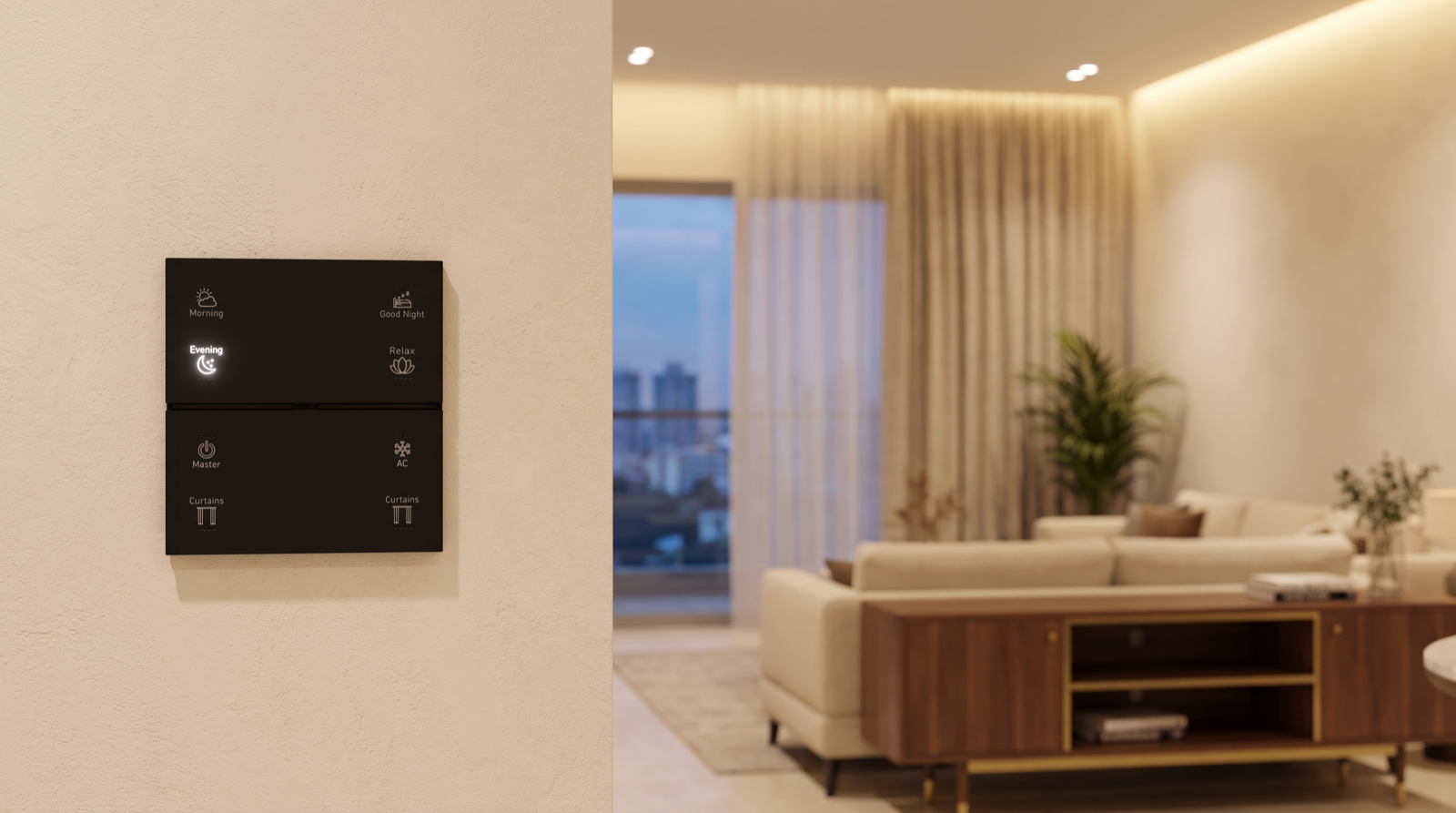
Take a single press of an "Evening" scene button on a Stella keypad. Between the press and the room changing, the command goes through several stages. The times below are typical orders of magnitude for a healthy Zigbee system, not specifications for any particular product.
| Stage | What happens | Typical time |
|---|---|---|
| 1. Press detected | The keypad registers the touch or click and, ideally, lights its button LED straight away as feedback. | A few milliseconds |
| 2. Message sent over the mesh | The keypad sends a short Zigbee message. It may go directly to the gateway or hop through one or two neighbouring mains-powered devices first. | Roughly 10–30 ms per hop on a clean mesh |
| 3. Gateway decides | The gateway looks up what "Evening" means in this room: which lights, which levels, which curtains. | Milliseconds, when the logic runs locally |
| 4. Commands go out | The gateway sends commands to the lights and curtains, ideally as group messages so many devices act on one message. | Tens of milliseconds |
| 5. Devices act | Light controllers change level, normally with a short fade; curtain motors start moving. | Starts at once; the fade or travel then takes its programmed time |
| 6. Status reported back | Devices confirm their new state, so the app and keypad LEDs show the truth. | A fraction of a second; the person rarely notices |
Add it up and a keypad scene on a well-built local system starts changing the room in well under a tenth of a second. Everything that makes a smart home feel slow is something added to this path: a trip to the internet, a weak mesh route that needs retries, a scene built from dozens of separate commands, or a long fade that was set without thinking.
Response time by control method
The same light can be switched five or six different ways, and each takes a different path. Typical ranges, assuming everything is working normally:
| Control method | Path the command takes | Typical feel | Depends on the internet? |
|---|---|---|---|
| Wall keypad | Keypad → Zigbee mesh → gateway → device | Instant | No |
| Scheduled routine | Gateway clock → device | Instant (nobody is waiting for it) | No, when schedules run on the gateway |
| Motion or door sensor | Sensor wakes → mesh → gateway rule → device | Fast; a fraction of a second after the sensor trips | No, when the rule runs locally |
| App on home Wi-Fi | Phone → Wi-Fi → gateway (or via a cloud service) → device | Quick to slightly delayed, depending on the app and the Wi-Fi | Sometimes, depending on how the app is built |
| App away from home | Phone → mobile data → cloud → home internet → gateway → device | Noticeable; often around half a second to a couple of seconds | Yes |
| Voice assistant | Speech → cloud recognition → skill or integration → gateway → device | Typically 1–3 seconds | Yes |
| Stand-alone Wi-Fi smart bulb or plug | Phone or assistant → manufacturer's cloud → your router → device | Variable; slow when the cloud or router is busy | Usually yes |
The pattern is clear: every trip to the internet adds delay and a point of failure. That is the main reason a designed system keeps everyday control (keypads, schedules and sensors) local, and treats the app and voice as convenient extras. Home automation with Alexa and Google Home covers where voice fits well and where it does not.
Delays that are slow on purpose
Not every pause is a fault. Some delays are part of how a device works, and some are programmed in to make the home feel calmer. Knowing which is which saves a lot of unnecessary service calls.
Fade times on lights
Dimmable and tunable lighting is usually set to fade rather than snap. A light that ramps up over half a second feels smooth; one that ramps over three seconds feels as if it is lagging, even though it started changing at once. A common, comfortable pattern is a short fade on (around half a second to a second) and a slightly longer fade off (two or three seconds), with longer, gentler fades kept for wake-up and bedtime routines. If a light "feels slow", check the fade before suspecting the network.
Curtain travel time
A motorised curtain receives its command as fast as a light does, but it then has to physically travel. Depending on the motor and the length of the track, a full open or close takes from several seconds to a few tens of seconds; a wide living-room window takes longer than a bedroom window. What matters is that the curtain starts moving immediately. If it waits a second or two before moving, that is worth checking; if it simply takes a while to cross the window, that is physics. How motorised curtain automation works explains positions and limits in detail.
Air conditioners
An AC controlled by infrared or through its own integration gets the command quickly, but the unit then needs time to start its compressor and change the room temperature. Most units also have a built-in protection delay before the compressor restarts after being switched off. A "pre-cool" routine works because it starts the AC before you arrive. How AC automation works covers the details.
Sensors: wake-up and re-arm
Battery motion sensors sleep to save power and wake the instant they detect movement, so the first trigger is quick. After triggering, many PIR sensors ignore further movement for a short interval before they can report again. That is why a light might not respond to the second person walking past a few seconds later. It is normal behaviour, and it is the reason motion-lit areas use timeouts that are reset by continued presence rather than by each new trigger.
Intentional delays in automations
Some rules have a wait built in on purpose: "if the balcony door has been open for five minutes after 11 pm, alert me", or "turn the passage light off two minutes after the last motion". These are design choices, not lag. A good handover document lists them so nobody mistakes a deliberate timer for a slow system.
Why big scenes can feel slow, and how groups fix it
A single light is easy. A "Good Night" scene that turns off twenty-five lights across the home, sets the bedroom to a night level, closes four curtains and arms the night mode is a different job. How it is programmed decides whether it feels like one action or a slow ripple.
- Separate commands versus group commands. If the scene sends one message to each light in turn, twenty-five lights means twenty-five messages queued on the mesh, and the lights go out one after another. If the lights are programmed as Zigbee groups, one message reaches them all and they change together. How group and multi-way control works explains groups in detail.
- Order of actions. People judge a scene by the first thing they see. Lights in the room you are standing in should change first; curtains, AC and rooms elsewhere in the house can follow a moment later without anyone noticing.
- Scenes that wait for each other. A scene that is built to wait for one device to confirm before moving to the next is reliable but slow. Most home scenes should send everything at once and only check afterwards.
- Cloud steps inside a scene. If a scene includes something that only works through the internet, such as a third-party device with a cloud-only integration, that step will be the slow one and may hold up the rest. Keep such steps at the end, or out of everyday scenes altogether.
A useful benchmark: in a well-commissioned home, pressing a whole-house "Master" off button should make every light in the room you are standing in go off together, with no visible ripple.
How a designed system is made to feel fast
Speed is mostly decided before the first device is fitted. These are the design decisions that make the difference:
- Local logic first. Scenes, schedules and sensor rules run on the gateway inside the home, so a press never needs the internet. This also keeps the home working during an outage; see do smart homes work during power cuts and internet outages.
- A dense mesh. Mains-powered keypads and light controllers in every room act as Zigbee routers, so every device has a short, strong route. Fewer hops and fewer retries mean faster responses and fewer missed commands.
- A well-placed gateway. Central to the home, not in a metal DB box or a corner cupboard, and on a Zigbee channel planned around the home's Wi-Fi so the two do not crowd each other on 2.4 GHz.
- Groups for anything that changes together. Rooms, zones and whole-house off buttons are programmed as groups, not long lists of individual commands.
- Sensible fade times. Short fades for everyday buttons, longer ones only where the slowness is the point, such as wake-up.
- Immediate feedback. The keypad button lights the moment it is pressed, and status reporting keeps every keypad and the app in sync, so nobody presses twice.
- The right control for the job. Everyday switching on the wall; the app for remote checks and changes; voice for occasional convenience. When the most frequent actions use the fastest path, the whole home feels fast.
How to test response time yourself
You do not need any special equipment to check whether your system is behaving well.
- The slow-motion test. Film the keypad and the light together using your phone's slow-motion mode. Step through the video frame by frame and count the frames between your finger pressing and the light changing. At 240 frames per second, each frame is about 4 milliseconds, so 25 frames is about a tenth of a second.
- Compare paths. Switch the same light from the keypad, the app at home and the voice assistant. The keypad should be clearly fastest. If the keypad is as slow as the app, something is routing through the internet that should not be.
- Test with the internet off. Switch off the router's internet connection (or unplug the fibre line) and try keypads, a schedule and a motion sensor. All three should behave exactly as before.
- Watch a big scene. Press your largest scene and look for a visible ripple across the lights in one room. A ripple usually means individual commands where a group should be used.
- Note patterns, not one-offs. If one particular room or device is often slow while the rest of the house is fine, the cause is usually a weak mesh route to that spot. That is a job for your installer, not a reason to reset devices.
If you find a delay, describe it precisely to your installer: which button, which device, how long, and whether it happens every time or only sometimes. That turns a vague "the system feels slow" into something that can be fixed in one visit.
How Pert delivers it — a designed solution, not a DIY kit
Pert's keypads, tunable and dimmable lighting, motorised curtains and sensors and security devices work together as one Zigbee system through the Pert gateway. Because we design and install the whole system rather than selling a kit, responsiveness is planned rather than hoped for. We place mains-powered keypads and controllers so every room has a strong mesh route, position the gateway centrally and plan its channel around your Wi-Fi, run scenes, schedules and sensor rules locally, programme rooms and whole-house buttons as groups, and set fade times to suit each room and routine. During commissioning our team tests keypads, scenes and sensors with the internet disconnected and checks the largest scenes for any ripple. At handover we walk you through which controls are local, which use the internet, and which delays are intentional. After handover we stay on call if anything starts to feel slower than it should.
Planning home automation for a Hyderabad flat or villa? We will design the whole system — keypads, lighting, curtains, sensors and security — so that every press feels as immediate as an ordinary switch, with or without the internet. Request a consultation →
Comparing installers? Ask each one where their scenes run, whether keypads work with the internet off, and how they programme whole-house buttons. Those questions sit alongside the wider checklist in best home automation companies in Hyderabad.
Frequently asked questions
Why does my smart light respond instantly from the keypad but slowly from the app?
Because the two commands travel different paths. A keypad press goes over the local Zigbee mesh to the gateway and straight on to the light, all inside your home. An app command has to leave your phone, cross your Wi-Fi, and, if you are away from home or the app routes through a cloud service, travel to a server and back before it reaches the gateway. Each extra hop adds delay, so a keypad usually feels instant while the app can take a noticeable fraction of a second or more.
Is it normal for a voice assistant to take a second or two?
Yes. Alexa and Google Assistant record your voice, send it to the cloud for speech recognition, work out what you meant, and then pass the command to the home system. One to three seconds is typical and is not a fault in the automation. Voice is best for occasional requests from across the room; everyday switching belongs on the wall keypad, which does not depend on the internet.
Why do my curtains or AC seem slow even when the command arrives instantly?
The command is fast, but the device itself takes time. A motorised curtain has to travel the length of its track, which takes several seconds to tens of seconds depending on the motor and the track length. An air conditioner receives its command almost at once but needs time to start its compressor and cool the room. A good design gives immediate feedback, such as the keypad LED lighting or the curtain starting to move, so the delay never feels like a failure.
Why do lights switch on one after another when I press a scene?
That staggered effect usually means the scene is sending a separate command to every light in turn instead of one group command that all the lights act on together. On a Zigbee system the fix is to programme lights that should change together as a group, so one message moves them all at once. It is a commissioning setting, not a hardware limit, and your installer can correct it.