
In this guide
This article is part of our wider coverage of home automation in Hyderabad. For the fittings and light levels in a study, see our guide to home office lighting for work from home; this guide covers how that lighting, the curtains and the AC are automated.
The four work-day modes
A work day at home has four distinct states. Designing a scene for each is simpler than trying to adjust things as you go:
| Mode | Lighting | Curtains | AC |
|---|---|---|---|
| Start work | Desk and ceiling bright, cool-neutral | Sheer closed on the screen-facing window, blackout open | On at a comfortable setting |
| On a call | Even light on the face from the front, background lights soft | Sheer closed to stop backlight from the window | Unchanged |
| Focus | Desk bright, rest of room dimmed | Unchanged | Unchanged |
| End of day | Study off, home switches to Evening | Study curtains open or to evening position | Study AC off |
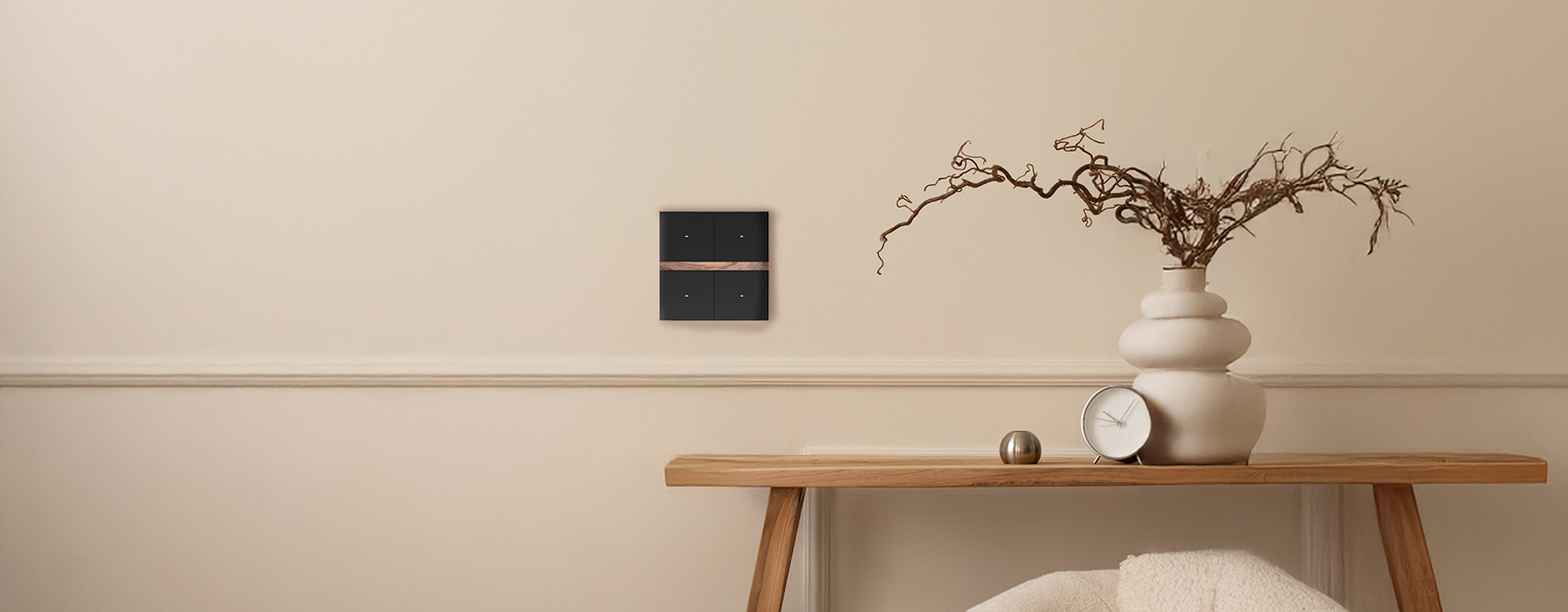
Four buttons on the study keypad can hold these. The engraving might read Work, Call, Focus and Done.
Designing a one-press call scene
The commonest video call problem at home is not the camera, it is the light: a bright window behind you turns your face into a silhouette, or a single overhead light leaves dark eye sockets. A call scene fixes this the same way every time:
- Close the sheer behind or beside you so the window stops overpowering the camera, without making the room dark.
- Raise the light in front of you — the desk circuit or a wall light facing you — and soften the lights behind you.
- Hold a stable colour temperature on tunable lighting so your skin tone does not shift during the call.
- Optionally signal the household, for example by setting a soft accent light outside the study door, so people know not to walk in.
Press Call again, or Work, to return to the normal working scene. Toggle behaviour like this is explained in our guide to how smart keypad buttons work.
Focus mode and quiet hours for the household
Working from home is a household arrangement as much as a room. A few automations help everyone else without anyone having to ask:
- A visible “in a meeting” cue: a dimmed accent light in the corridor or outside the study while the Call scene is active.
- Quiet-hours schedules: keep automations that make noise — for example curtains in nearby rooms moving on a timer — from running during core work hours if their motors are audible on calls.
- Doorbell and door alerts: route door notifications to the person not on the call, so a delivery does not interrupt a presentation.
- Children’s rooms: if school runs and naps overlap with work, let their scenes run on their own keypads rather than whole-home scenes that also touch the study.
The rules about who receives which alert belong in your notification plan; see our guide to designing smart home notifications and alerts.
Curtains, glare and AC through the day
Hyderabad sun moves across a study through the day, and a fixed curtain position that was perfect at 10 am may put glare on the screen by 3 pm, especially in west-facing rooms.
- A mid-afternoon schedule can close the sheer on a west window on work days only, then reopen it at sunset.
- Partial positions help: a curtain at 70 percent closed often blocks low sun while keeping daylight on the desk.
- Pre-cool the study ten to fifteen minutes before your usual start time on weekdays, and turn it off with the Done scene so it never runs into the evening by accident.
- Weekday-only schedules stop the study cooling itself on Sundays and holidays.
When the office is a shared room
Many people work from a bedroom corner or the dining table. Then the work scenes must not take over the room for everyone else:
- Split the lighting into zones so the work corner can be bright while the bed or sofa side stays soft.
- Keep the work scenes local: Work and Call change only the work corner, not the whole room.
- Use a small dedicated keypad at the desk so work controls do not crowd the room’s main keypad.
- On the dining table, the Done scene should hand the room straight back to Dinner.
Ending the work day
The Done button is the most underrated scene in a work-from-home setup. One press turns the study off, cuts the study AC, opens or resets the curtains, and moves the shared spaces to their evening scene. It is a small ritual that marks the end of work, and it means no study light or AC runs until midnight because nobody remembered. Add a late-evening schedule as a backstop that turns the study off if Done was never pressed.
How Pert delivers it — a designed solution, not a DIY kit
Pert designs work-from-home automation as part of the whole home, not as a gadget on a desk. We plan the study or work corner’s lighting zones with tunable and dimmable lighting, add motorised curtains for glare control, engrave a Stella keypad with work-day scenes, set door alerts through our security devices, and run it all on one Zigbee network through the Pert gateway. Our team installs it, programmes the scenes and schedules, and fine-tunes them after your first few weeks of working with them. When you compare installers, our guide to the best home automation companies in Hyderabad lists what to ask.
Working from home in Hyderabad? We design and install lighting, curtains, keypads, scenes and security that make the home office work, and switch off cleanly at the end of the day. Request a consultation →
Frequently asked questions
What is a video call scene in home automation?
It is a single button that sets the room for a call: it closes the sheer on the window behind you, brightens the light in front of you, softens the lights behind, and keeps a steady colour temperature. Pressing it again or pressing Work returns the room to its normal working state.
Can smart curtains reduce screen glare while working from home?
Yes. A sheer or partially closed curtain cuts direct sun on the screen while keeping daylight in the room. A weekday afternoon schedule can close the sheer on a west-facing window when glare usually starts, and open it again at sunset.
How do I set up a work corner in a shared bedroom or dining room?
Split the lighting into zones so the work area can be bright while the rest of the room stays soft, keep the work scenes limited to that zone, and use a small dedicated keypad at the desk. The end-of-day scene should return the room to its normal evening use.
Can home automation stop interruptions during calls?
It can help. A call scene can switch on a soft cue light outside the study, door notifications can go to someone else in the household, and noisy timed automations nearby can be kept out of core work hours. It does not replace a quick word with the family, but it makes the routine easier to keep.